impossible to
possible

LucyBrain Switzerland ○ AI Daily
Ultimate Guide: How to Create E-commerce Product Photos for Shopify & Amazon (White Background, Flat Lay, Lifestyle) with AI FREE 2026 - Save $10K + Boost Sales (Nano Banana + Seedream Tutorial)
TL;DR: AI E-commerce Photography
Tools: Nano Banana (FREE) + Seedream ($9.99/mo)
Cost savings: $10K+ per year vs professional photographer
Photo types: White background, flat lay, lifestyle, on-model
Platforms: Shopify, Amazon, Etsy, Instagram
Quality: Professional studio-level
This guide: Step-by-step + 40+ prompts
Professional product photos cost $50-200 per shot.
AI creates them FREE in 30 seconds.
Why E-commerce Photography Matters
Conversion impact:
Better photos = 30-40% higher conversion rates
Professional images = 2-3x more clicks
Multiple angles = 58% fewer returns
Lifestyle shots = higher perceived value
Traditional costs:
Product photographer: $150-500/hour
Studio rental: $100-300/day
Props and styling: $200-500
Post-processing: $25-50 per image
Total: $10K-50K per year for small brands
AI solution:
Nano Banana: FREE (unlimited in Gemini)
Seedream: $9.99/month
No studio, no props, no photographer
Total: $0-120 per year
Tools Comparison
Nano Banana (Google Gemini)
Best for:
Product editing (add backgrounds, change colors)
Quick iterations
Multi-image variations
Text in images (sale tags, labels)
Cost: FREE
Quality: 8/10
Speed: Very fast (5-10 seconds)
Seedream (ByteDance)
Best for:
High-quality product renders
Consistent brand style
Batch generation
Professional polish
Cost: $9.99-19.99/month
Quality: 8.5/10
Speed: Fast (10-15 seconds)
When to Use Which
Nano Banana for:
Editing existing product photos
Quick variations
Testing concepts
Budget = $0
Seedream for:
Creating from scratch
Brand consistency
Higher volume
Budget = small monthly fee
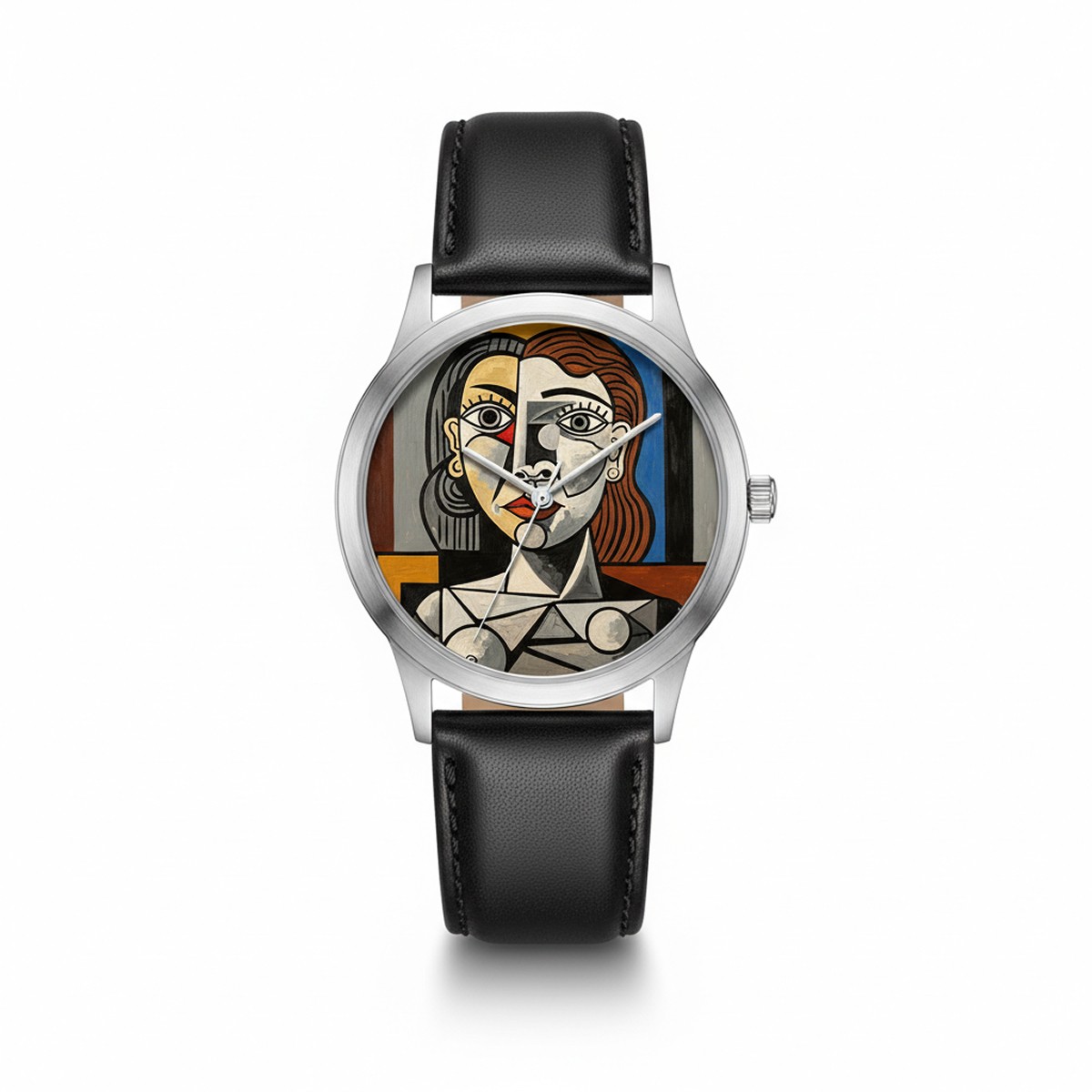
WHITE BACKGROUND PRODUCT PHOTOS (Amazon/Shopify Standard)
Why White Background
Amazon requirements:
Main image MUST be pure white (#FFFFFF)
Product fills 85% of frame
Professional and clean
No props or text
Conversion benefits:
Professional appearance
Product focus
Consistent catalog look
Platform compliance
White Background Prompts (10)
Prompt 1: Tech product
Prompt 2: Cosmetics bottle
Prompt 3: Clothing item flat
Prompt 4: Jewelry piece
Prompt 5: Kitchen product
Prompt 6: Supplement bottle
Prompt 7: Electronics gadget
Prompt 8: Shoes
Prompt 9: Toy product
Prompt 10: Book cover
FLAT LAY PHOTOGRAPHY (Instagram & Lifestyle Brands)
Why Flat Lay
Benefits:
Shows product in context
Lifestyle brand aesthetic
Instagram-friendly
Tells brand story
Higher engagement
Best for:
Fashion accessories
Beauty products
Subscription boxes
Lifestyle brands
Flat Lay Prompts (10)
Prompt 11: Beauty routine
Prompt 12: Workspace essentials
Prompt 13: Fashion accessories
Prompt 14: Coffee moment
Prompt 15: Travel essentials
Prompt 16: Gym/fitness
Prompt 17: Tech workspace
Prompt 18: Subscription box
Prompt 19: Jewelry collection
Prompt 20: Food product
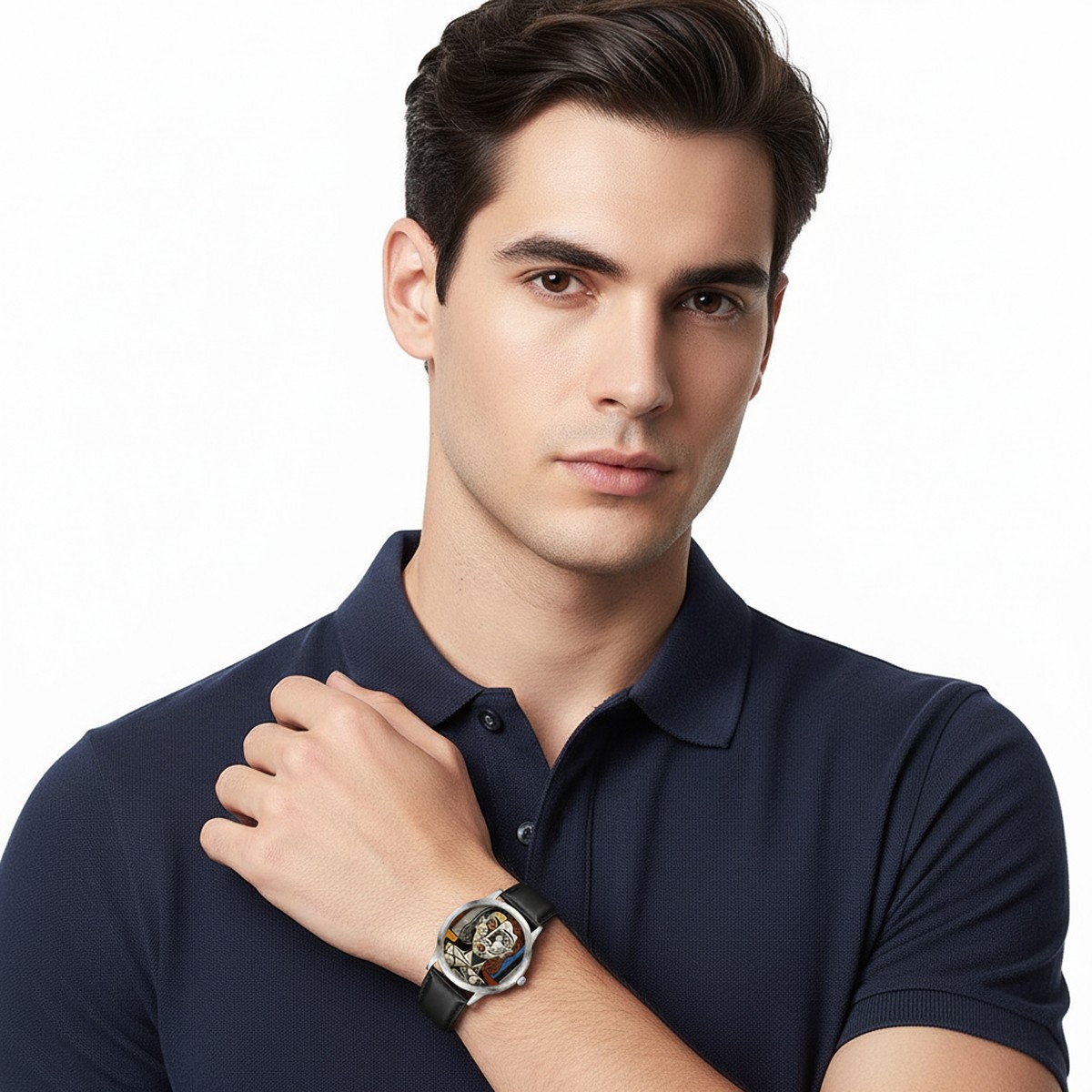
LIFESTYLE PRODUCT PHOTOS (In-Context Shots)
Why Lifestyle Shots
Conversion impact:
Shows product in use
Helps customers visualize
Creates emotional connection
Demonstrates scale/size
Builds brand story
Best practices:
Show real-life settings
Natural, not staged
Authentic moments
Complementary environments
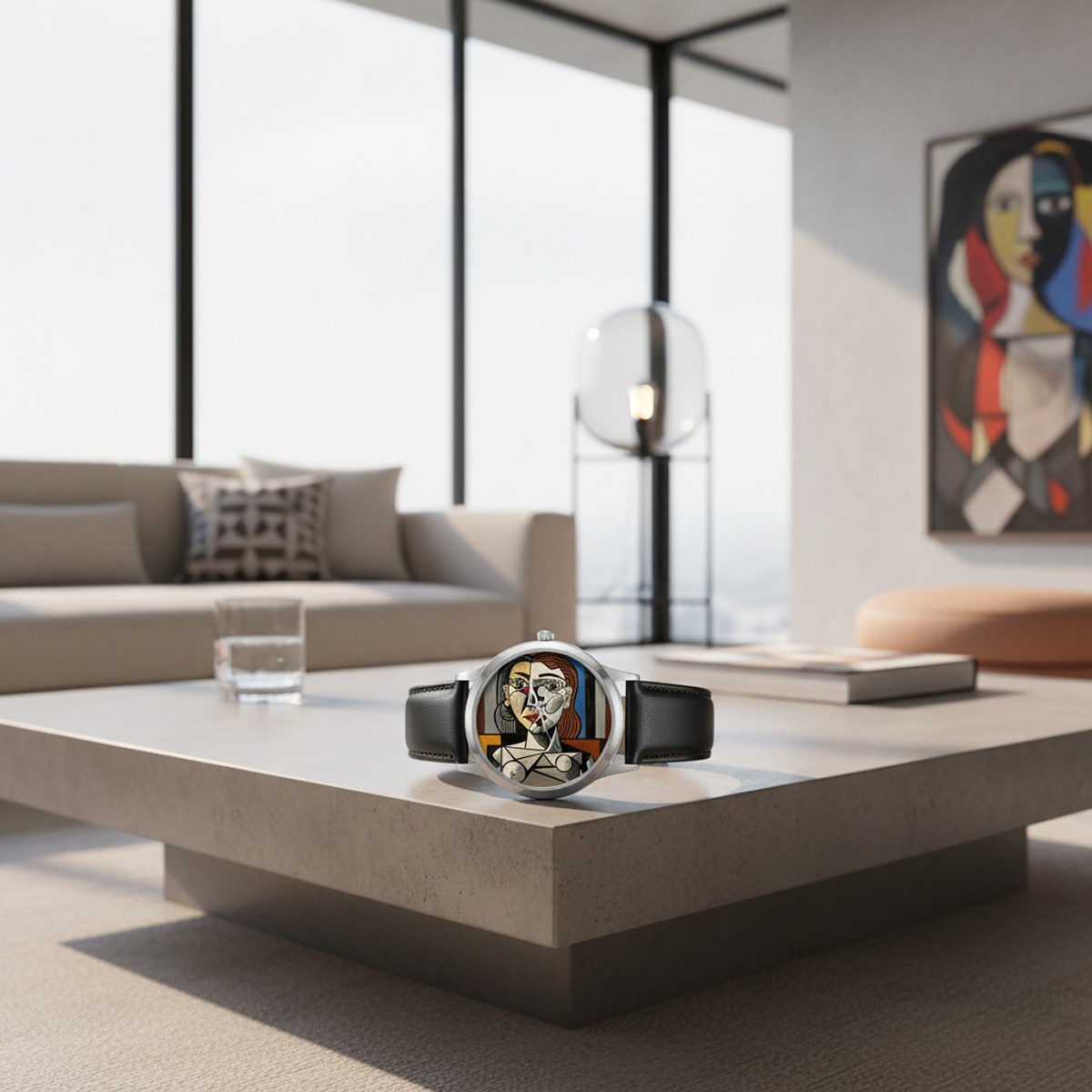
Lifestyle Prompts (10)
Prompt 21: Home product in use
Prompt 22: Fashion on model
Prompt 23: Beauty product application
Prompt 24: Tech in daily life
Prompt 25: Kitchen product cooking
Prompt 26: Outdoor gear in nature
Prompt 27: Baby/kids product
Prompt 28: Fitness product workout
Prompt 29: Office product workspace
Prompt 30: Pet product in use
ON-MODEL CLOTHING PHOTOS (Fashion E-commerce)
Why On-Model
Essential for clothing:
Shows fit and drape
Demonstrates how fabric moves
Provides size context
Shows styling options
Reduces returns (customers know what to expect)
On-Model Prompts (10)
Prompt 31: Full body outfit
Prompt 32: Close-up detail
Prompt 33: Movement shot
Prompt 34: Lifestyle fashion
Prompt 35: Multiple angles
Prompt 36: Accessory styling
Prompt 37: Size/fit reference
Prompt 38: Color variant showcase
Prompt 39: Seasonal styling
Prompt 40: Editorial fashion
Step-by-Step Workflow
Method 1: Using Nano Banana (FREE)
Step 1: Access Gemini
Go to gemini.google.com
Sign in with Google account
FREE - no payment needed
Step 2: Select image creation
Click banana emoji 🍌 "Create images"
Choose "Fast" mode (Nano Banana)
Step 3: Input prompt
Copy prompt from above
Customize [brackets] with your product
Click generate
Step 4: Iterate
If not perfect, ask Nano Banana to edit
"Make background pure white"
"Center product more"
"Increase brightness"
Step 5: Download
Right-click image
Save for e-commerce use
Method 2: Using Seedream
Step 1: Subscribe
Go to seedream.ai
Choose plan ($9.99/mo starter)
Step 2: Upload or describe
Upload existing product photo OR
Describe product in detail
Step 3: Use prompt
Paste optimized prompt
Adjust settings (resolution, style)
Generate
Step 4: Batch create
Generate multiple variations
Different angles
Different backgrounds
Step 5: Export
Download high-resolution images
Use across all platforms
Platform-Specific Requirements
Amazon Product Photos
Main image requirements:
Pure white background (#FFFFFF RGB 255,255,255)
Product must fill 85% of frame
No text, logos, or watermarks
Minimum 1000 pixels on longest side
Recommended 2000+ pixels
Prompt additions for Amazon:
Shopify Product Photos
Best practices:
Square format (1:1) recommended
Minimum 800x800 pixels
Consistent styling across products
Multiple angles (3-5 images)
At least one lifestyle shot
Prompt additions for Shopify:
Etsy Product Photos
Optimization:
First image = clean product shot
Following images = lifestyle, details, scale
Minimum 2000x2000 pixels
Show unique handmade aspects
Prompt additions for Etsy:
Instagram Shopping
Best format:
Square (1:1) or portrait (4:5)
Lifestyle aesthetic
On-brand colors
Natural, not overly commercial
Prompt additions for Instagram:
Cost Savings Breakdown
Traditional Photography Costs
Per product photoshoot:
Photographer: $200-500
Studio rental: $150-300
Styling/props: $100-200
Post-processing: $50-100 per image
Total per product: $500-1,100
For 50-product catalog:
Traditional: $25,000-55,000
Time: 4-8 weeks
AI Photography Costs
Same 50-product catalog:
Nano Banana: $0 (FREE)
Seedream: $9.99/month ($120/year)
Time: 1-2 weeks
Total: $0-120
Savings: $24,880-54,880 per year
Pro Tips for Better Results
Tip 1: Be specific about product
Include material, color, size context
Mention brand if high-end
Describe unique features
Tip 2: Lighting keywords matter
"Professional studio lighting" = clean commercial
"Natural window lighting" = lifestyle authentic
"Golden hour" = warm and inviting
Tip 3: Iterate quickly
Generate 3-5 variations
Pick best, then refine
Small tweaks = big improvements
Tip 4: Consistency is key
Use similar prompts for product line
Maintain brand aesthetic
Same background/lighting style
Tip 5: Test on platforms
Upload test images
Check how they appear
Adjust based on actual display
Common Mistakes to Avoid
Mistake 1: Inconsistent style ❌ Every product photo looks different
✓ Develop prompt template, adjust per product
Mistake 2: Wrong aspect ratio ❌ Cropped awkwardly on platform
✓ Check platform requirements first
Mistake 3: Too much in scene ❌ Cluttered, product lost
✓ Keep focus on product
Mistake 4: Poor lighting description ❌ "Nice lighting"
✓ "Professional studio lighting, soft shadows"
Mistake 5: Not testing conversions ❌ Assume AI photos work
✓ A/B test vs old photos, measure conversion
Conversion Rate Impact
Industry data:
Professional photos: +30-40% conversion vs amateur
Multiple angles: +58% fewer returns
Lifestyle shots: +25% higher perceived value
360° views: +35% increase in conversions
AI photos match professional quality:
Same conversion boost
Fraction of cost
Faster iteration
Easy to update
Frequently Asked Questions
Are AI product photos allowed on Amazon/Shopify?
Yes. Platforms care about quality and standards, not creation method. AI photos meeting requirements are fully compliant.
Can customers tell they're AI?
Not if done well. Professional AI photos are indistinguishable from studio photography.
What about commercial use rights?
Nano Banana (Gemini): Commercial use allowed
Seedream: Commercial license included with subscription
How long does it take per product?
Initial: 5-10 minutes learning
After practice: 1-2 minutes per product photo
Batch of 50 products: 1-2 days vs weeks with photographer
Do I need photo editing skills?
No. AI handles lighting, background, composition. You just describe what you want.
Can I edit existing product photos?
Yes! Nano Banana excels at editing existing photos - remove backgrounds, change colors, add elements.
Related Reading
www.topfreeprompts.com
Access 80,000+ prompts including e-commerce photography templates. Create professional product photos with proven AI prompts.