



impossible to
possible

LucyBrain Switzerland ○ AI Daily
Seedance 2.0 Complete Guide 2026: ByteDance AI Video Tutorial (Multi-Shot Storytelling)
TL;DR: Seedance 2.0
What it is: ByteDance's AI video generator (TikTok parent company) Launched: February 10, 2026 (global rollout mid-February) Best for: Multi-shot videos, character consistency, marketing content, social media Access: CapCut app, Dreamina platform, Jimeng AI (China) Cost: Free tier available, paid plans for longer videos Reality: Beating Sora 2 in early tests, Elon Musk praised it
ByteDance just dropped Seedance 2.0. It's going viral in China. Elon Musk tweeted about it.
Early testers say it beats OpenAI's Sora 2 for multi-shot videos and character consistency.
Here's everything you need to know.
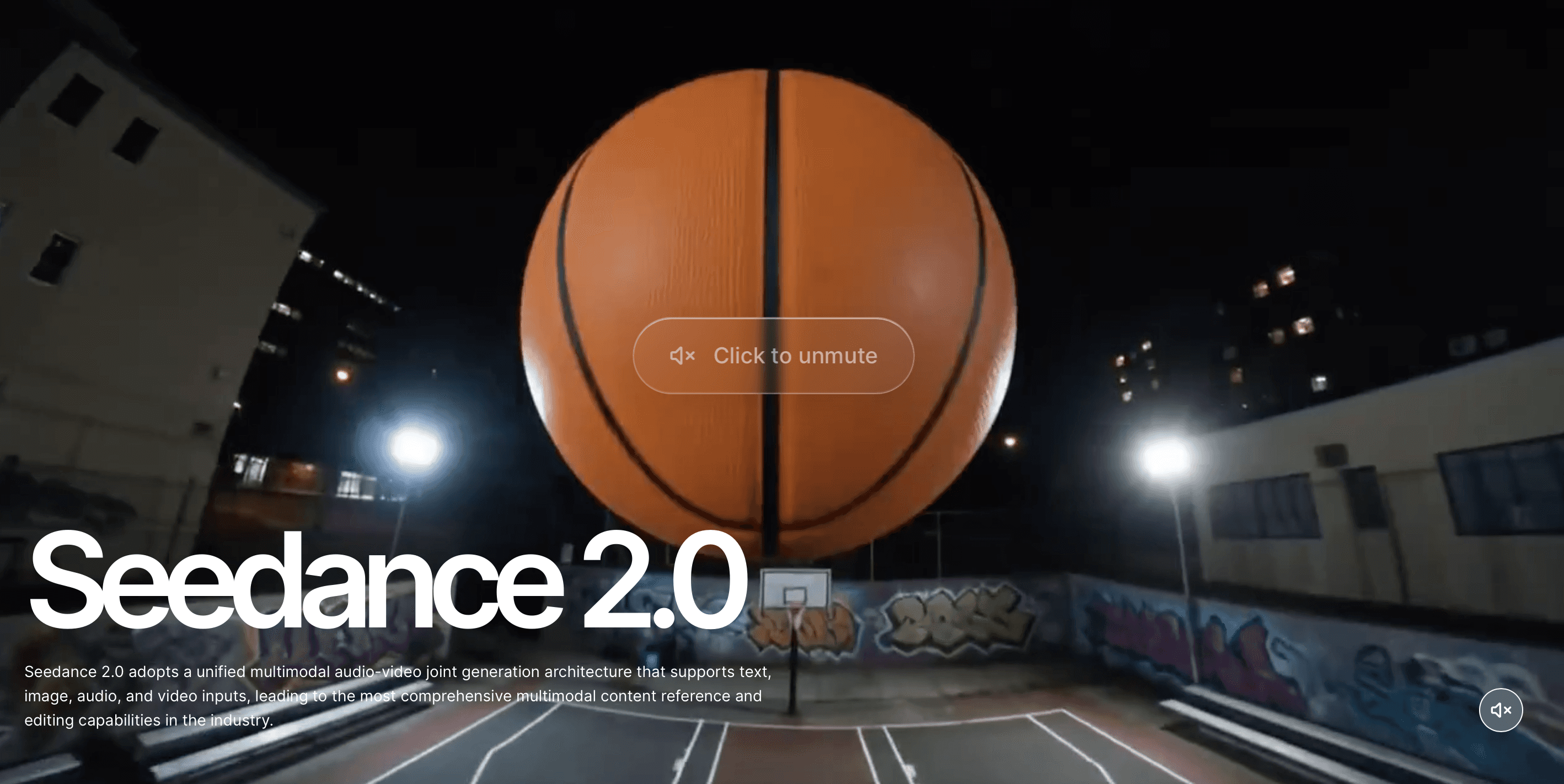
What Is Seedance 2.0
ByteDance's Video AI
Who made it: ByteDance (TikTok, CapCut parent company)
What it does: Turns text, images, or audio into realistic video clips
Key features:
Multi-shot storytelling (multiple scenes, one prompt)
Character consistency across shots
2K resolution output
5-15 second clips
30% faster than previous version
Native audio generation with lip-sync
Launched: February 10, 2026 in China, global rollout February 15-20, 2026
Why it matters: First major AI video tool with true multi-shot consistency
How to Access Seedance 2.0
Option 1: CapCut (Easiest for Most Users)
Download CapCut:
iOS: App Store
Android: Google Play
Desktop: capcut.com
Enable Seedance 2.0:
Open CapCut
Tap "AI Tools" or "Video" section
Select "Seedance 2.0" or "AI Video Generation"
Start creating
Global rollout: Mid-February 2026 (check if available in your region)
Option 2: Dreamina Platform
Access: dreamina.capcut.com
Features:
Web-based (no download)
Full Seedance 2.0 access
Integrated with Seedream 5.0 (image AI)
Edit and export directly
Better for: Desktop users, professional projects
Option 3: Jimeng AI (China Only)
Access: JiMeng AI platform Note: Chinese language interface, domestic China access primarily
Creating Your First Video
Text-to-Video (Basic)
Step 1: Write Your Prompt
Step 2: Select Settings
Duration: 5-15 seconds
Resolution: 1080p or 2K
Aspect Ratio: 16:9, 9:16, or 1:1
Style: Realistic, cinematic, animated (if options)
Step 3: Generate
Wait 60-120 seconds
Preview result
Regenerate if needed
Step 4: Download
Export in preferred format
Use in your projects
Image-to-Video
Better results than text-only
Step 1: Upload Reference Image
Your photo, illustration, or AI-generated image
Clear subject works best
1024px or higher recommended
Step 2: Describe Motion
Step 3: Generate
Seedance animates your image
Maintains style and character
Adds realistic motion
Why this works better: Starting from image gives AI clear visual anchor
Multi-Shot Storytelling (Seedance 2.0's Killer Feature)
What Multi-Shot Means
Traditional AI video:
One continuous shot
Single scene
If you want multiple scenes, generate separately and edit together
Seedance 2.0 multi-shot:
Multiple scenes in one generation
Characters stay consistent across shots
Camera angles change logically
Natural scene transitions
This is the breakthrough feature
Creating Multi-Shot Videos
Use scene markers in your prompt:
Seedance generates all 4 shots:
Same woman (consistent face, outfit)
Logical progression
Different camera angles
Coherent story
Alternative format (some users report):
Test both formats - early access so prompt syntax still being optimized
Prompting for Best Results
Effective Prompt Structure
Example:
What to Include
Character details:
Age, gender, clothing
Specific features if important
Consistent description if multi-shot
Action:
What they're doing (specific verbs)
Emotion or expression
Speed (slow motion, fast, normal)
Setting:
Location (specific helps)
Time of day
Weather/atmosphere
Camera:
Movement (zoom, pan, track, orbit, static)
Angle (overhead, low angle, eye level)
Shot type (close-up, wide, medium)
Style:
Lighting (cinematic, natural, dramatic)
Aesthetic (realistic, stylized, vintage)
Quality terms (4K, film grain, sharp)
Examples That Work
Marketing product:
Social media content:
Narrative storytelling:
Nature/environment:
Audio and Lip-Sync
Native Audio Generation
Seedance 2.0 generates:
Sound effects matching action
Ambient audio
Music (sometimes)
Dialogue with lip-sync (if character speaking)
How to use:
Option 1: Let AI Generate Audio
Creates audio matching your video
Synced automatically
Good for ambient/SFX
Option 2: Upload Your Audio
Provide music track or voice
AI syncs video to audio
Better for specific needs
Option 3: No Audio
Generate silent video
Add your own audio in editing
Lip-Sync Feature
If your prompt includes dialogue:
Seedance attempts:
Mouth movements matching words
Natural facial expressions
Proper timing
Current status: Works better in Chinese than English (ByteDance is Chinese company), improving rapidly
Technical Specifications
Video Output
Resolution:
Standard: 1080p (1920x1080)
High quality: 2K (2560x1440)
Native support, no upscaling needed
Duration:
Short: 5 seconds
Standard: 10 seconds
Maximum: 15 seconds per generation
Extension possible for longer videos
Frame Rate:
24fps (cinematic standard)
Smooth motion
Aspect Ratios:
16:9 (landscape, YouTube, desktop)
9:16 (vertical, TikTok, Instagram Stories)
1:1 (square, Instagram feed)
4:3, 3:4, 21:9 also supported
Generation Speed
Typical wait time:
5-second clip: 60 seconds
10-second clip: 90-120 seconds
15-second clip: 120-180 seconds
30% faster than Seedance 1.5 Pro
Factors affecting speed:
Complexity of prompt
Multi-shot vs single shot
Server load
Your priority tier (free vs paid)
Pricing and Plans
Free Tier
What you get:
Limited generations per day
1080p output
Basic features
Standard queue (slower)
Good for: Testing, casual use, learning
Paid Plans (Pricing TBD - Check CapCut)
Expected tiers:
Basic: ~$10-15/month
Pro: ~$20-30/month
Business: Custom pricing
Likely includes:
More generations
Priority queue
2K output
Commercial use rights
Longer video limits
Note: Pricing still being finalized for global launch
Use Cases
Social Media Content
TikTok/Instagram Reels:
YouTube Shorts:
Marketing and Advertising
Product demos:
Brand stories:
Content Creator B-Roll
Fill gaps in vlogs:
Illustrate concepts:
Film and Animation Pre-viz
Storyboard visualization:
Concept testing:
Tips for Best Results
Character Consistency
For multi-shot videos:
Describe character once, clearly: "Woman, 30s, long black hair, red jacket, professional"
Reference in each scene: [Scene 1] The woman in red jacket... [Scene 2] Same woman, now smiling...
Upload reference image if available: Starting from image = better consistency
Camera Movement
Effective movements:
Slow zoom in (builds tension)
Pan across scene (reveals environment)
Orbit around subject (dynamic showcase)
Track following (immersive)
Static (focuses attention)
Avoid:
Too many movements at once
Conflicting directions
Overly complex camera choreography
Lighting and Style
Be specific:
"Golden hour lighting" not just "nice lighting"
"Film noir shadows" not just "dramatic"
"Soft diffused natural light" not just "bright"
Style consistency:
Pick aesthetic and stick with it
Don't mix "cinematic" with "anime style" randomly
Reference specific films/styles if helpful
Common Issues and Fixes
Video Quality Issues
Problem: Blurry or low quality Fix:
Use "4K quality" or "cinematic" in prompt
Try 2K output option
Simplify prompt if too complex
Problem: Flickering or artifacts Fix:
Avoid overly complex scenes
Reduce number of moving elements
Try again (sometimes random)
Character/Object Problems
Problem: Character changes between shots Fix:
Upload reference image
Be more specific in description
Use consistent wording
Problem: Objects morph or distort Fix:
Simpler prompts
Fewer simultaneous elements
Static camera for complex objects
Motion Problems
Problem: Unnatural movement Fix:
Specify "natural movement" or "realistic physics"
Simplify action
Reference real-world motion
Problem: Too much/too little motion Fix:
Add "subtle" or "dynamic" to prompt
Specify speed: "slow motion" or "quick action"
Seedance 2.0 vs Competitors
vs Sora 2 (OpenAI)
Seedance wins:
Multi-shot consistency
Character consistency
Speed (30% faster generation)
Availability (Sora still limited access)
Sora wins:
Longer continuous shots (up to 30 seconds)
Physics realism
Some complex scenarios
Best for: Seedance if need multiple scenes, Sora if need one long shot
vs Kling 3.0 (Kuaishou)
Seedance wins:
Multi-shot in one generation
Faster generation
Better character consistency
Kling wins:
Longer videos (also 15 seconds but different approach)
Some aesthetic styles
Best for: Similar tier, choose based on available features in your region
vs Runway Gen-3
Seedance wins:
Multi-shot capability
Character consistency
Price (likely cheaper)
Runway wins:
Advanced editing controls
Precise motion control
Established ecosystem
Best for: Seedance for content creation, Runway for professional film work
Advanced Techniques
Temporal Prompts
Control timing within video:
Some users report this works, others say still being refined
Reference Stacking
Upload multiple reference images:
Character design
Environment/setting
Style reference
AI combines elements from all references
Prompt Chaining
For longer narratives:
Generate Scene 1 → Use last frame as reference → Generate Scene 2 → Continue pattern
Creates longer coherent stories than single generation
Comparison with Seedream 5.0
Seedance 2.0: Video generation Seedream 5.0: Image generation
Use together:
Generate perfect image in Seedream 5.0
Animate it with Seedance 2.0
Create complete visual content
Both in CapCut/Dreamina ecosystem = seamless workflow
Future Updates Expected
ByteDance roadmap (unofficial):
Longer video generation (30+ seconds)
Better English lip-sync
More control over camera paths
Style transfer from reference videos
Direct integration with more platforms
Development pace: ByteDance shipping updates rapidly
Legal and Commercial Use
Copyright
Videos you generate: You own rights (with paid plan typically)
Reference images: Must have rights to any images you upload
Music/audio: Check terms for AI-generated audio commercial use
Commercial Use
Paid plans: Usually include commercial rights
Free tier: Check terms, often personal use only
Always verify: Terms still being finalized for global launch
Getting Started Checklist
Today:
[ ] Download CapCut or access Dreamina
[ ] Create free account
[ ] Generate first test video (simple prompt)
[ ] Review result
This week:
[ ] Test multi-shot prompts
[ ] Try image-to-video
[ ] Experiment with different styles
[ ] Find what works for your use case
Ongoing:
[ ] Build prompt library of what works
[ ] Follow Seedance updates
[ ] Join creator communities
[ ] Upgrade to paid if needed
Frequently Asked Questions
When is Seedance 2.0 available globally?
Launched China February 10, 2026. Global rollout mid-February (February 15-20). Check CapCut for availability.
Is it free?
Free tier with limitations. Paid plans for professional use. Exact pricing TBD for global markets.
Can I use videos commercially?
With paid plan, likely yes. Verify terms for your region and plan.
How does it compare to Sora 2?
Better for multi-shot consistency. Sora better for single long shots. Seedance more accessible currently.
What's the quality like?
2K output, realistic motion, impressive character consistency. Some physics issues occasionally but improving rapidly.
Can I upload my own audio?
Yes, upload audio and video syncs to it. Or let AI generate matching audio.
Does it work in languages other than English?
Yes, though Chinese works best currently (ByteDance is Chinese company). English improving.
Can I edit the generated videos?
Yes, download and edit in any video editor. CapCut integration allows direct editing.
Related Reading
Image AI:
Comparisons:
Other Video AI:
www.topfreeprompts.com
Access 80,000+ prompts including Seedance 2.0 video prompts, multi-shot templates, and CapCut AI workflows. Create better videos faster with proven prompt templates.
Newest Prompt Articles

More Prompt Articles Like This

























Thinking
Explore