



impossible to
possible
LucyBrain Switzerland ○ AI Daily
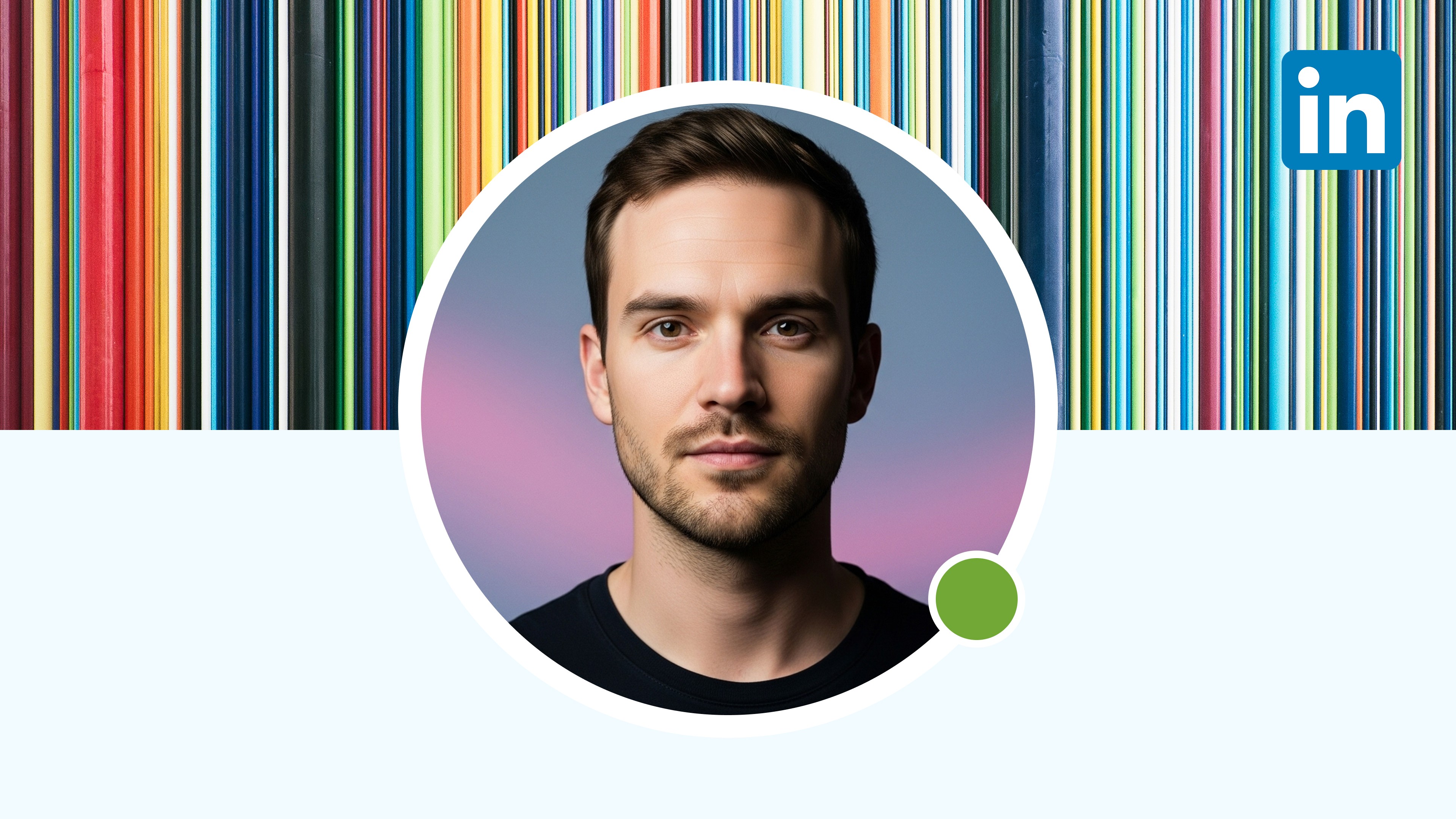
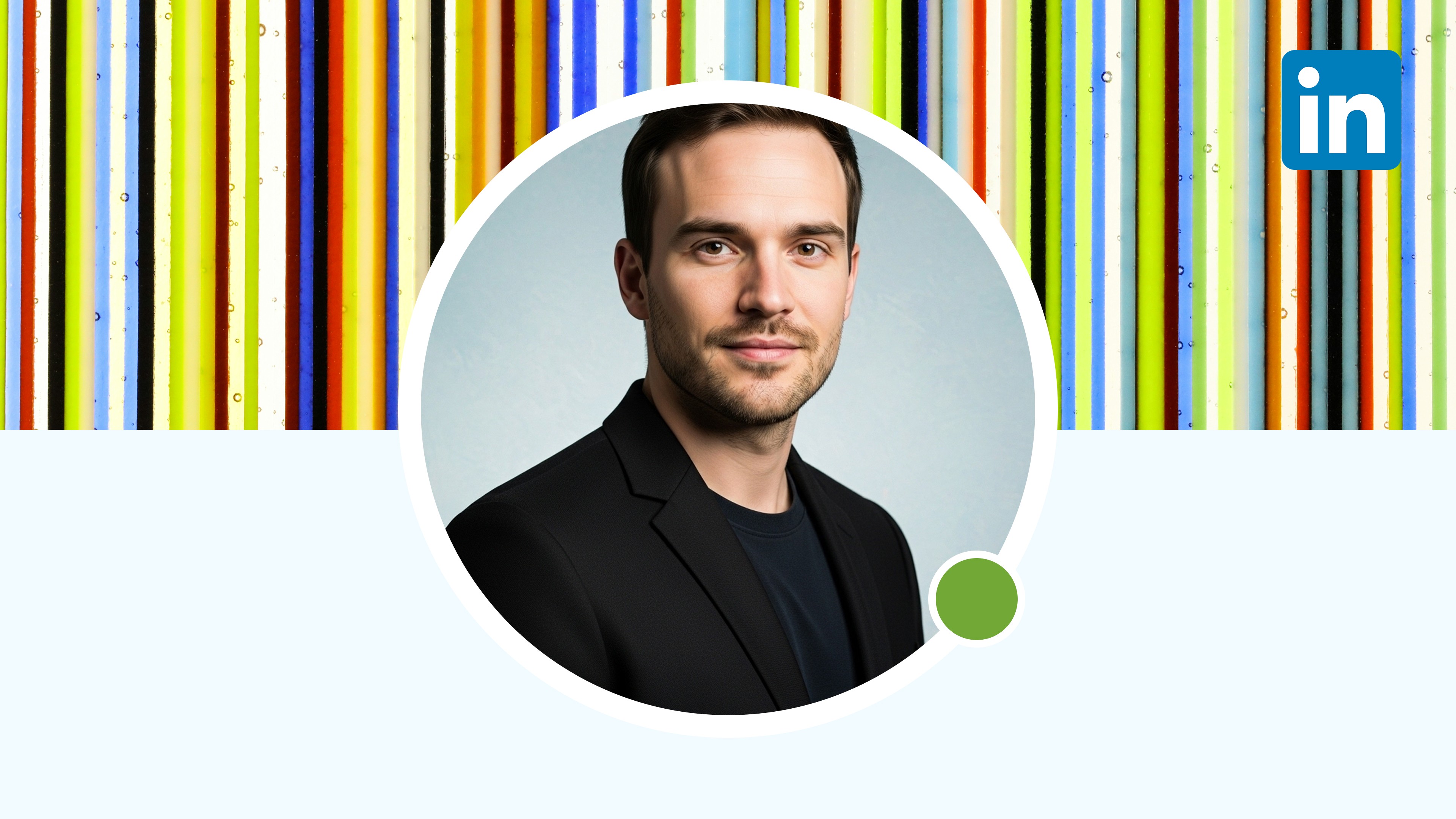
Midjourney AI LinkedIn Headshot Image Prompts: 75 Realistic Professional Prompts That Actually Work for Resume and Career
Last updated: October 16, 2025
TL;DR
Midjourney generates exceptional LinkedIn headshots through advanced image generation with superior lighting, composition, and professional styling capabilities. The platform excels in capturing realistic human features, professional environments, and precise style parameters that optimize career positioning. These 75 precision-engineered prompts are specifically formatted for Midjourney's v7 syntax, delivering studio-quality headshots that enhance professional credibility, hiring manager perception, and career advancement opportunities.
Table of contents
Why Midjourney for LinkedIn headshots {#why-midjourney}
Superior image quality advantages
Midjourney's v7 generation engine produces exceptionally realistic professional headshots with superior lighting dynamics, background precision, and facial detail accuracy. The platform excels at capturing subtle professional expressions that convey competence, trustworthiness, and approachability—critical factors in recruiter evaluation of LinkedIn profiles.
Photorealistic skin textures, natural fabric rendering, and professional environment authenticity significantly outperform competing platforms. These technical capabilities ensure your headshot appears genuinely professional rather than artificially generated, maintaining credibility with discerning hiring managers and industry connections.
Professional representation enhancements
Midjourney's advanced styling capabilities enable precise professional positioning across industry contexts. Financial services professionals can project appropriate conservatism while creative directors maintain artistic credibility, all through specific prompt engineering tailored to career contexts.
Controlled environment generation creates ideal professional backdrops matching your specific industry expectations. Law firms, tech startups, and creative agencies each expect distinct visual presentation styles, and Midjourney's environment generation capabilities allow contextual matching impossible with standard photography.
Practical implementation benefits
The platform's iteration capabilities enable rapid refinement of professional headshots until achieving perfect career positioning. This quick feedback loop allows testing different professional presentations for specific application contexts without expensive photography reshoots.
Consistent quality across multiple generations ensures your professional brand remains cohesive when updating imagery across platforms. Generate matching professional headshots for LinkedIn, resume headers, company directories, and speaking engagement promotions while maintaining recognizable professional identity.
How to use Midjourney for professional headshots {#how-to-use}
Basic implementation process
Access Midjourney through Discord by joining the official server or setting up a private server for confidential professional image generation. After server access, use the /imagine command in any channel or direct message with Midjourney bot.
When crafting prompts, maintain Midjourney's specific syntax structure for optimal results. Begin with reference image link if available, followed by specific professional parameters, environmental context, technical specifications, and finally parameter flags for fine-tuning.
For best professional results:
Include specific industry context in prompts
Detail professional attire appropriate to your field
Specify environmental settings matching career context
Add lighting parameters that flatter professional presentation
Use technical specifications enhancing realistic quality
Professional headshot best practices
Maintain consistent professional identity across generated images by using similar prompt structures with minor variations. This consistency ensures recognition across platforms while allowing context-specific optimizations.
Match professional presentation to your specific career goals rather than generic formality. Technical roles may benefit from slightly more casual presentation showing approachability, while executive positions require more formal presentation signaling authority.
Consider your industry's visual language when selecting prompt parameters. Financial services, legal, and medical professions typically expect conservative presentation, while design, media, and technology fields allow more contemporary professional styling.
For optimal LinkedIn performance, ensure prompt includes parameters for direct eye contact, confident but approachable expression, and clean professional background. These specific elements significantly impact recruiter evaluation of professional profiles.
Executive headshot prompts {#executive-prompts}
C-suite executive prompts
CEO professional portrait:
CFO professional portrait:
COO professional portrait:
CTO professional portrait:
CMO professional portrait:
Leadership level prompts
Director professional portrait:
Senior Manager professional portrait:
Vice President professional portrait:
Board Member professional portrait:
Managing Partner professional portrait:
Professional specialist prompts {#specialist-prompts}
Finance professional prompts
Investment Banker portrait:
Financial Advisor portrait:
Accounting Professional portrait:
Wealth Manager portrait:
Risk Management Professional portrait:
Legal professional prompts
Attorney portrait:
Corporate Counsel portrait:
Legal Consultant portrait:
Intellectual Property Lawyer portrait:
Compliance Officer portrait:
Medical professional prompts
Physician portrait:
Healthcare Executive portrait:
Medical Researcher portrait:
Pharmaceutical Professional portrait:
Mental Health Professional portrait:
Creative professional prompts {#creative-prompts}
Design professional prompts
Creative Director portrait:
UX Designer portrait:
Graphic Designer portrait:
Art Director portrait:
Industrial Designer portrait:
Media professional prompts
Marketing Professional portrait:
Public Relations Professional portrait:
Content Strategist portrait:
Journalist portrait:
Social Media Manager portrait:
Entertainment professional prompts
Film Director portrait:
Music Industry Executive portrait:
Talent Agent portrait:
Producer portrait:
Gaming Industry Professional portrait:
Technical professional prompts {#technical-prompts}
Technology professional prompts
Software Engineer portrait:
Data Scientist portrait:
Product Manager portrait:
IT Director portrait:
Cybersecurity Professional portrait:
Engineering professional prompts
Engineering Manager portrait:
Mechanical Engineer portrait:
Civil Engineer portrait:
Electrical Engineer portrait:
Aerospace Engineer portrait:
Science professional prompts
Research Scientist portrait:
Biotechnology Professional portrait:
Environmental Scientist portrait:
Data Analyst portrait:
Lab Director portrait:
Industry-specific prompts {#industry-prompts}
Business service prompts
Management Consultant portrait:
HR Professional portrait:
Business Analyst portrait:
Project Manager portrait:
Sales Executive portrait:
Education professional prompts
University Professor portrait:
Education Administrator portrait:
Instructional Designer portrait:
Educational Consultant portrait:
Academic Researcher portrait:
Environmental setting prompts {#environment-prompts}
Office environment prompts
Executive office background:
Modern tech office background:
Creative studio background:
Financial district background:
Conference room background:
Industry-specific environments
Legal office background:
Medical environment background:
Technology lab background:
Educational environment background:
Startup environment background:
Lighting and composition prompts {#lighting-prompts}
Professional lighting styles
Executive portrait lighting:
Natural window lighting:
Modern studio lighting:
Dramatic professional lighting:
High-key professional lighting:
Professional composition styles
Classic headshot composition:
Contemporary professional composition:
Environmental portrait composition:
Editorial professional composition:
Close-up professional composition:
Professional expression prompts {#expression-prompts}
Leadership expression prompts
Authoritative confidence:
Strategic vision:
Inspirational leadership:
Calm authority:
Decisive competence:
Professional approachability prompts
Approachable expertise:
Trustworthy professional:
Collaborative partner:
Supportive professional:
Innovative thinker:
Profile enhancement prompts {#enhancement-prompts}
Career transition prompts
Career advancement portrait:
Industry transition portrait:
Entrepreneurial transition:
Leadership promotion portrait:
Consultant transition portrait:
Professional specialization prompts
Technical expert portrait:
Creative specialist portrait:
Strategic consultant portrait:
Subject matter expert portrait:
Thought leadership portrait:
FAQ {#faq}
General headshot questions
What makes Midjourney professional headshots effective for LinkedIn? Midjourney v7's advanced facial rendering, professional environment generation, and lighting capabilities create exceptionally realistic professional portraits. The platform excels at generating subtle professional expressions, appropriate attire rendering, and context-specific backgrounds that match industry expectations, all critical factors in creating an effective professional presence.
How do I choose the right prompt for my industry? Select prompts from your specific industry section or closest related field, then adjust professional styling, background, and expression to match your specific role positioning. Consider your career goals, target audience, and professional brand when selecting the most appropriate prompt category for your particular situation.
Should I use different headshots for different platforms? Yes, strategic variation benefits different professional contexts. LinkedIn benefits from more formal presentation than other platforms, while maintaining consistent recognizable identity across all professional channels. Generate variations with similar appearance but context-optimized presentation for maximum effectiveness across platforms.
How frequently should I update my professional headshot? Update your professional headshot with any significant appearance change, major career transition, or approximately every 1-2 years to maintain current representation. Additionally, consider specialized updates for specific campaigns, speaking engagements, or media appearances where context-specific imagery provides advantage.
Can I use these headshots for other professional purposes? Yes, Midjourney-generated headshots work effectively across professional contexts including resume headers, company directories, professional publications, speaking engagement promotions, and email signatures. Maintain consistent professional identity across all applications while optimizing for specific context requirements.
Technical implementation questions
What's the best way to upload reference images? Upload reference images to a cloud storage service that creates public links, then include that link at the beginning of your prompt. Alternatively, direct message the Midjourney bot with your reference image as an attachment followed by your prompt. For privacy, consider using a private Discord server or direct message.
How do I get the most realistic results? For maximum realism, include specific technical parameters in your prompt: 85mm portrait lens for traditional headshots, f/2.8 aperture for appropriate depth of field, "ultra-realistic" style parameter, and the "--v 7" flag to ensure using Midjourney's most advanced model. These technical specifications significantly enhance photorealistic quality.
What if my generated headshot doesn't look professional enough? If initial results appear insufficiently professional, refine your prompt with more specific professional parameters: upgrade attire description, specify more formal environment, adjust lighting for more authority, and add explicit professional color grading parameters. Incremental refinement through specific prompt adjustments yields progressively more professional results.
How do I ensure consistent branding with my company? Include specific company branding elements in your prompt: reference brand colors in background or attire, specify environment matching company aesthetic, and include professional styling consistent with company visual identity. For team consistency, create standardized prompt templates including specific company parameters.
What aspect ratio works best for LinkedIn headshots? Use the "--ar 1:1" parameter for optimal LinkedIn presentation. Square format displays properly across all LinkedIn placements including profile, search results, connection recommendations, and mobile applications. This aspect ratio maximizes facial visibility while maintaining appropriate professional framing.
Read also
Implementation checklist
Join Midjourney through Discord or set up private server for confidential professional image generation
Gather 2-3 reference photos showing your clear facial features
Select appropriate professional headshot prompt based on your industry and career goals
Add reference image link to beginning of chosen prompt
Generate initial headshots using /imagine command
Review results and refine specific elements if needed
Download highest resolution version of your preferred professional headshot
Upload to LinkedIn and ensure proper cropping within platform interface
Update matching headshot across resume, email signature, and company directory
Schedule calendar reminder to refresh professional image in 12-18 months


