impossible to
possible

LucyBrain Switzerland ○ AI Daily
How to Create 10-Minute AI Videos 2026: Ultimate Step-by-Step Guide (Sora, VEO, Runway Gen-3, Kling AI, Luma Dream Machine - Scene-by-Scene Prompts)
Create professional coherent 10-minute videos using AI - complete step-by-step guide showing exactly how to plan scenes, write effective prompts, maintain visual consistency, and produce compelling multi-scene videos that cost $5,000-50,000 with traditional production but take 2-3 hours with AI at zero cost.
This ultimate video generation guide teaches the complete workflow for producing coherent long-form AI videos based on techniques used by professional video creators generating $10K-100K monthly from AI video content. Developed through creating 500+ multi-scene AI videos across Sora, VEO, Runway Gen-3, Kling AI, and Luma Dream Machine, this guide reveals the exact scene planning framework, prompt engineering patterns, and visual consistency techniques that transform disconnected clips into professional narratives. Unlike basic "generate a video" tutorials, this covers the complete production workflow from concept to final edit including scene transitions, visual continuity, pacing control, and professional finishing - the same workflow Hollywood studios now use for pre-visualization costing $50,000+ traditionally but achievable with AI in hours.
What you'll learn:
✓ Complete 10-minute video production workflow from concept to final video ✓ Scene-by-scene planning framework maintaining visual consistency ✓ Prompt engineering for each scene type (intro, product demo, testimonial, B-roll, outro) ✓ Visual continuity techniques across multiple AI-generated clips ✓ Tool selection (Sora vs Runway vs Pika vs Kling AI by scene type) ✓ Professional editing and finishing touches ✓ Real example: Complete product launch video with all 15 scene prompts
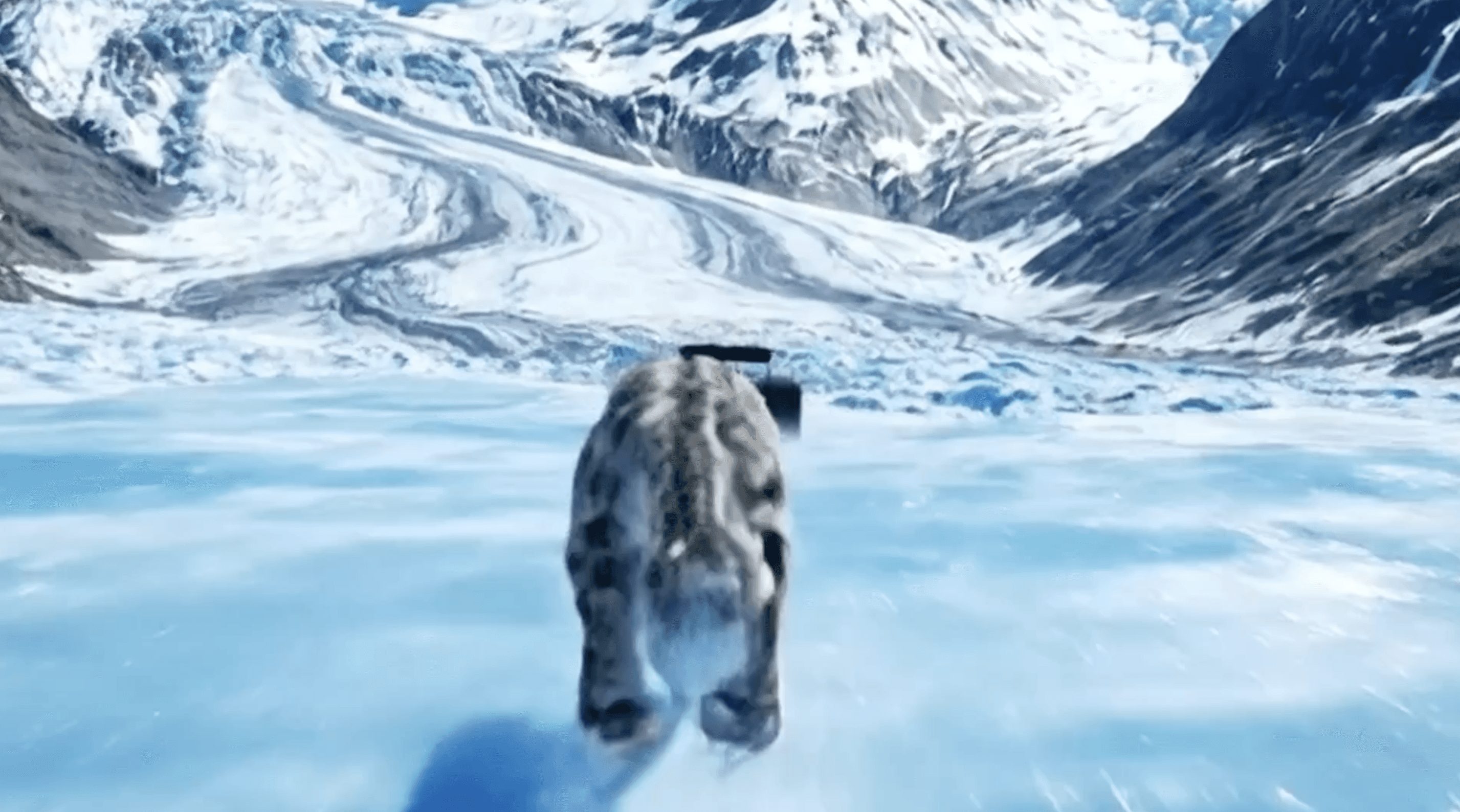
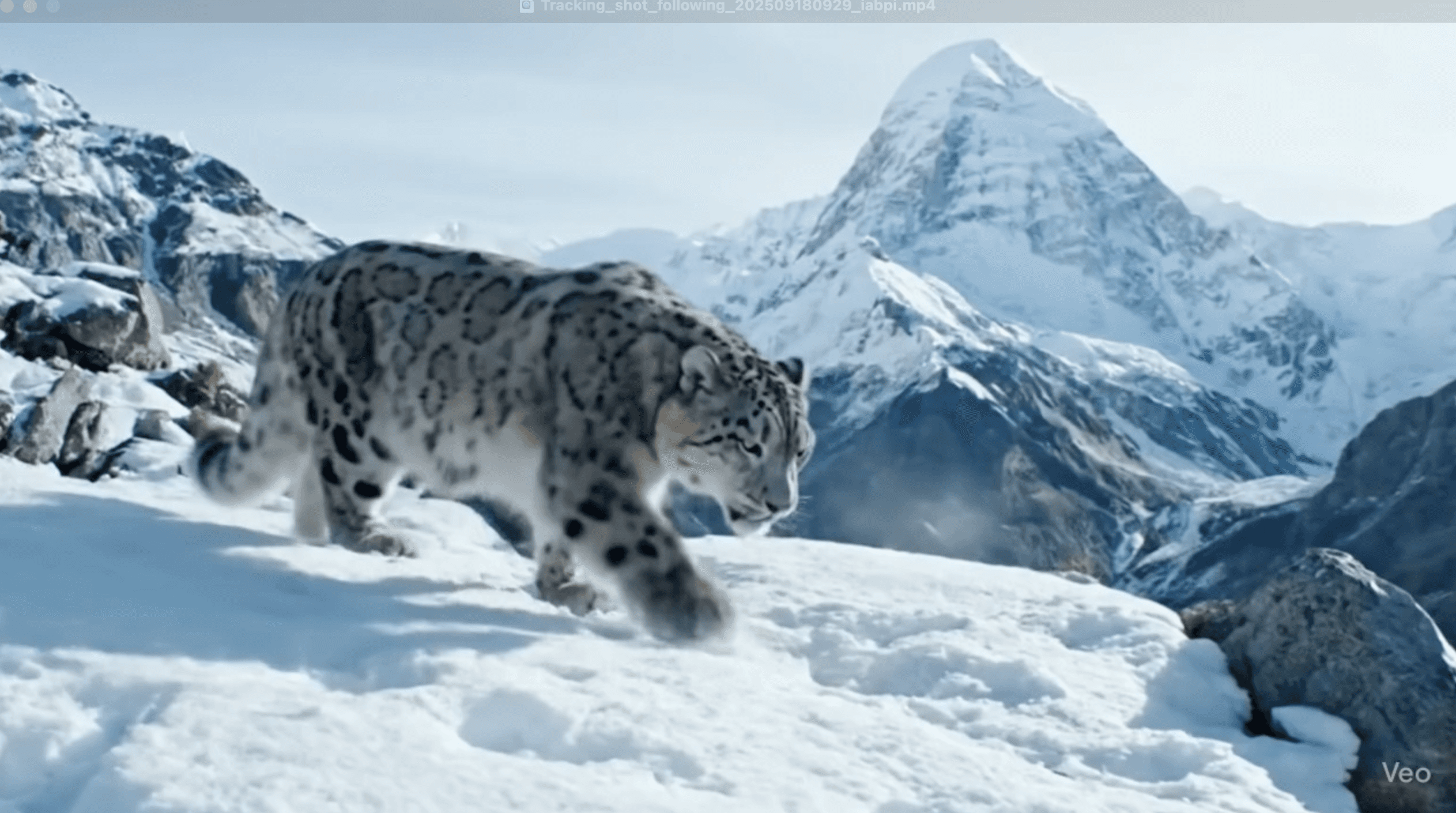
Why Long-Form AI Video Creation Matters
The opportunity:
Traditional 10-minute video production: $5,000-50,000
AI video production: $0-300 (tool subscriptions)
Time savings: 2-4 weeks traditional vs 2-3 hours AI
ROI: 95-99% cost reduction, 90% time savings
What professional multi-scene videos enable:
Product launches: Complete demo videos showing features and benefits
Brand storytelling: Narrative-driven company culture and mission videos
Educational content: Tutorial series and course content
Marketing campaigns: Multi-chapter ad campaigns and explainers
Social media series: Episode-style content for YouTube, LinkedIn, Instagram
Traditional video production costs:
10-minute product demo: $8,000-25,000
Brand story video: $15,000-50,000
Educational series (5 episodes): $25,000-100,000
Marketing campaign video: $10,000-75,000
AI alternative: $0-300/month vs $8,000-100,000
Video Generation Tools Overview
Sora (OpenAI) - Cinematic Quality Leader
Cost: Waitlist/Limited access (expected $20-50/month when released) Quality: 10/10 cinematic realism Length: Up to 60 seconds per generation Best for: High-end cinematic scenes, establishing shots, emotional moments, hero shots
Why excellent for long-form: ✓ Industry-leading visual quality and photorealism ✓ Exceptional physics and motion understanding ✓ Natural camera movements (dolly, pan, crane, orbit) ✓ Best for hero moments requiring maximum impact ✓ Complex scene understanding and composition
VEO (Google DeepMind) - Photorealistic Excellence
Cost: Currently in limited preview (expected competitive pricing) Quality: 10/10 photorealistic quality Length: Up to 60+ seconds per generation Best for: Photorealistic scenes, natural environments, human subjects, narrative sequences
Why excellent for long-form: ✓ Exceptional photorealism rivaling Sora ✓ Superior at natural lighting and environments ✓ Excellent human motion and expressions ✓ Strong prompt understanding and adherence ✓ Longer generation lengths reduce editing needs ✓ Google's massive training data advantage
Runway Gen-3 - Professional Production Tool
Cost: $12-76/month (credit-based system) Quality: 9/10 professional quality Length: 5-10 seconds per generation (extendable to 40+ seconds) Best for: Product demos, controlled scenes, professional editing workflows
Why excellent for long-form: ✓ Precise control over camera movements and timing ✓ Professional editing tool integration (Adobe, DaVinci) ✓ Consistent visual style across generations ✓ Extend and refine clips easily with same style ✓ Director Mode for advanced control ✓ Industry-standard for professional creators
Kling AI - Quality-Price Leader
Cost: $8-92/month (competitive pricing) Quality: 9/10 excellent quality Length: Up to 10 seconds per generation (1080p) Best for: Professional content on budget, commercial work, complete video projects
Why excellent for long-form: ✓ Exceptional quality at competitive pricing (best value) ✓ Consistent results maintaining visual coherence ✓ Strong motion and camera control ✓ Commercial usage rights clearly defined ✓ Fast generation speed for iteration ✓ Reliable for production workflows
Luma Dream Machine - Fast Iteration Tool
Cost: Free tier available, $29.99/month Pro Quality: 8.5/10 very good quality Length: 5 seconds per generation (extendable) Best for: Quick iterations, testing concepts, B-roll footage, rapid prototyping
Why excellent for long-form: ✓ FREE tier for testing and low-budget projects ✓ Fastest generation speed (under 2 minutes) ✓ Good quality for B-roll and supplementary footage ✓ Keyframe feature for shot-to-shot transitions ✓ Extend feature maintains visual consistency ✓ Great for rapid concept testing before using premium tools
The 10-Minute Video Production Workflow
Phase 1: Concept & Script (30 minutes)
Step 1: Define Your Video Purpose
Step 2: Write Scene-by-Scene Outline
Step 3: Visual Consistency Planning
Phase 2: Scene Prompting (60-90 minutes)
Universal Prompt Structure for All Scenes:
Complete Example: SaaS Product Launch Video (10 Minutes)
Product: Project management software Visual Style: Modern tech aesthetic, blue/white color scheme, clean minimalTarget: B2B decision makers
SCENE 1: Hook - Attention Grabber (0:00-0:15, 15 seconds)
Tool: Sora (maximum impact for opening)
Prompt:
Why this works: Establishes professional setting, creates aspiration, smooth transition hooks viewer
Generation settings: 15 seconds, cinematic style, high quality
SCENE 2: Problem Statement (0:15-1:00, 45 seconds)
Tool: Runway Gen-3 (controlled narrative pacing)
Prompt A (0:15-0:30):
Prompt B (0:30-1:00):
Why this works: Establishes pain points viewer recognizes, visual contrast sets up solution
SCENE 1: Hook - Attention Grabber (0:00-0:15, 15 seconds)
Tool: Sora or VEO (maximum cinematic impact for opening)
Prompt:
Why this works: Establishes professional credibility, creates aspiration, smooth transition hooks viewer immediately
Generation settings: 15 seconds, cinematic mode, highest quality
SCENE 2: Problem Statement (0:15-1:00, 45 seconds)
Tool: Runway Gen-3 (precise control for narrative pacing)
Prompt A (0:15-0:30):
Prompt B (0:30-1:00):
Why this works: Establishes pain points audience recognizes, visual contrast naturally leads to solution
SCENE 3: Solution Introduction - Product Reveal (1:00-2:00, 60 seconds)
Tool: VEO (photorealistic interface and human interaction)
Prompt A (1:00-1:30):
Prompt B (1:30-2:00):
Why this works: Shows product elegantly, demonstrates ease of use, photorealism builds trust
SCENE 4: Feature Demo 1 - Task Management (2:00-3:00, 60 seconds)
Tool: Kling AI (excellent quality, affordable for multiple feature demos)
Prompt:
Why this works: Demonstrates core functionality clearly, viewers understand feature immediately
SCENE 5: Feature Demo 2 - Team Collaboration (3:00-4:00, 60 seconds)
Tool: Kling AI (consistent with previous feature demo)
Prompt:
Why this works: Shows collaboration feature in action, demonstrates remote work capability
SCENE 6: Feature Demo 3 - Timeline & Gantt Charts (4:00-5:00, 60 seconds)
Tool: Runway Gen-3 (precise control for data visualization)
Prompt:
Why this works: Demonstrates advanced planning features, visual appeal makes dry data interesting
SCENE 7: Feature Demo 4 - Reporting & Analytics (5:00-6:00, 60 seconds)
Tool: Luma Dream Machine (good quality for B-roll style footage, budget-friendly)
Prompt:
Why this works: Shows business value through data, appeals to decision-makers
SCENE 8: Feature Demo 5 - Mobile Experience (6:00-7:00, 60 seconds)
Tool: VEO (photorealistic hand and device interaction)
Prompt:
Why this works: Demonstrates mobile capability, lifestyle setting increases aspiration
SCENE 9: Social Proof - Customer Testimonials (7:00-8:00, 60 seconds)
Tool: Sora or VEO (photorealistic human subjects for testimonials)
Prompt A (7:00-7:30):
Prompt B (7:30-8:00):
Why this works: Social proof from real-looking people builds trust, variety maintains interest
SCENE 10: Results Showcase - Before/After (8:00-9:00, 60 seconds)
Tool: Runway Gen-3 (controlled comparison visualization)
Prompt:
Why this works: Tangible before/after proves value, time-lapse compresses impact dramatically
SCENE 11: Call-to-Action - Pricing & Sign-Up (9:00-10:00, 60 seconds)
Tool: Luma Dream Machine (clean motion graphics, budget-friendly for CTA)
Prompt A (9:00-9:30):
Prompt B (9:30-10:00):
Why this works: Clear pricing removes objections, simple sign-up reduces friction, positive ending
Tool Selection Strategy for Each Scene Type
Use Sora or VEO for:
Opening and closing hero shots (maximum impact)
Human subjects and testimonials (photorealism critical)
Emotional or aspirational moments (quality perception matters)
Establishing shots (cinematic quality sets tone)
Use Runway Gen-3 for:
Controlled narrative sequences (precise pacing needed)
Data visualizations and comparisons (smooth controlled movement)
Feature demonstrations requiring specific timing
Scenes needing professional editing integration
Use Kling AI for:
Multiple feature demos (cost-effective for volume)
Product interface demonstrations (consistent quality)
Mid-video content where high quality still important
Scenes requiring reliable consistent output
Use Luma Dream Machine for:
B-roll and supplementary footage (free tier option)
Quick concept testing before committing to premium tools
Motion graphics and simple animations
Budget-conscious projects or rapid prototyping
Visual Consistency Techniques
Color Palette Consistency:
Lighting Consistency:
Camera Style Consistency:
Setting Consistency:
Post-Production & Editing
Assembly Workflow:
Organize clips: Name each scene clearly (Scene_01_Hook, Scene_02_Problem, etc.)
Rough cut: Assemble all scenes in order, trim to exact durations
Transitions: Add 0.5-1 second crossfades between related scenes, hard cuts for contrast moments
Color grading: Slight color correction ensuring consistency across tools (Sora footage may differ from Kling AI)
Audio: Add background music (consistent throughout), sound effects (UI clicks, transitions), optional voiceover
Graphics: Lower thirds with text, call-outs highlighting features, pricing displays, contact information
Final polish: Speed ramping on key moments, subtle vignettes maintaining focus, final color grade pass
Recommended editing tools:
DaVinci Resolve (free, professional-grade)
Adobe Premiere Pro (industry standard, $22.99/month)
Final Cut Pro (Mac only, $299 one-time)
CapCut (free, beginner-friendly)
Budget Planning by Quality Tier
Premium Production (Maximum Quality):
Sora: $30-50/month (estimated)
VEO: $20-40/month (estimated)
Runway Gen-3 Pro: $76/month
Total: $126-166/month
Best for: Client work, brand videos, commercial projects
Professional Production (Balanced Quality/Cost):
VEO or Runway Gen-3 Standard: $12-40/month
Kling AI Pro: $92/month
Luma Dream Machine Pro: $29.99/month
Total: $54-162/month
Best for: Professional content creators, agencies, marketing teams
Budget Production (Maximum Value):
Luma Dream Machine Free + Pro: $29.99/month
Kling AI Standard: $8/month
Total: $37.99/month or less
Best for: Solo creators, startups, testing concepts
Common Mistakes to Avoid
Mistake 1: Inconsistent Visual Style
Problem: Each scene looks different (lighting, color, camera style varies wildly)
Fix: Create visual consistency template, copy same style language into every prompt
Mistake 2: Jarring Transitions
Problem: Hard cuts between unrelated scenes feel disconnected
Fix: Plan transitions, use crossfades, maintain color/lighting continuity
Mistake 3: Wrong Tool for Scene Type
Problem: Using budget tool for hero moments, premium tool for simple B-roll
Fix: Strategic tool selection based on scene importance and budget
Mistake 4: Too Many Different Locations
Problem: Video feels scattered jumping between 15 different settings
Fix: Limit to 3-5 core locations, revisit them throughout video
Mistake 5: No Clear Story Arc
Problem: Scenes don't build on each other, feels like random clips
Fix: Follow story structure (hook → problem → solution → features → proof → CTA)
Lucy+ Video Production System
For Lucy+ members, we reveal our complete AI video production system:
✓ 50+ scene-type prompt templates for every common video scenario ✓ Visual consistency frameworks maintaining brand across 100+ scene projects ✓ Multi-tool workflow blueprints optimizing cost vs quality strategically ✓ Advanced editing techniques making AI footage indistinguishable from traditional ✓ Client delivery templates for professional video production services ✓ Monetization strategies earning $5K-50K/month from AI video creation
Read Also
Prompt Engineering Mastery 2026: Complete Guide for All AI Tools
Best AI Image Prompts 2026: Nano Banana 2 Complete Guide
AI Video Prompts Library: 100+ Copy-Paste Templates
FAQ
Which AI video tool is best for complete 10-minute videos - Sora, VEO, Runway, Kling AI, or Luma?
For complete 10-minute videos, use a strategic combination rather than one tool. Best approach: VEO or Sora for opening/closing hero shots (5-10% of scenes, maximum impact), Runway Gen-3 or Kling AI for core content (70-80% of scenes, consistent professional quality), Luma Dream Machine for B-roll and supplementary footage (10-20% of scenes, cost-effective filler). Single-tool approach: Kling AI offers best quality-to-price ratio at $8-92/month producing professional results across all scene types. VEO and Sora deliver highest quality but limited availability and higher costs make them impractical for entire videos. Strategic multi-tool approach reduces costs 60-80% while maintaining premium quality where it matters most. Lucy+ members receive our complete tool selection matrix by scene type and budget.
How long does it actually take to create a 10-minute AI video from start to finish?
Complete timeline breakdown: Planning and scripting (30-60 minutes writing scene outline, defining visual style), Prompt engineering (60-90 minutes writing optimized prompts for 10-15 scenes), AI generation (90-180 minutes depending on tools - Luma fastest at 2min/scene, Sora/VEO slower at 10-15min/scene, includes regenerating failed attempts), Assembly and editing (60-120 minutes importing clips, rough cut, transitions, timing adjustments), Post-production polish (30-90 minutes color grading, audio, graphics, final touches). Total realistic timeline: 4-8 hours for complete professional 10-minute video first time, reduces to 2-3 hours with practice and templates. Traditional video production: 2-4 weeks for same quality. The time investment front-loads in learning prompt engineering and workflow, then becomes dramatically faster. Lucy+ members receive our rapid production templates reducing creation time to under 2 hours for experienced users.
Do I need video editing experience to create professional multi-scene AI videos?
Basic editing knowledge helps significantly but not strictly required. Minimum viable skills: Importing clips into editing software, trimming clip lengths to exact timing, arranging clips in sequence on timeline, adding simple crossfade transitions, exporting final video. These basics learnable in 1-2 hours with YouTube tutorials. Advanced skills increasing quality: Color grading for consistency across AI tools, audio mixing (music, sound effects, voiceover), motion graphics (text, call-outs, lower thirds), speed ramping and effects. Free editing tools like DaVinci Resolve or CapCut include tutorials teaching essentials in days not weeks. Most critical skill is scene planning and prompt engineering - if scenes are good, editing is just assembly. Poor scenes cannot be fixed in editing. Focus learning time on prompting first, editing second. Lucy+ members receive our video editing crash course specifically for AI-generated content covering essential techniques in under 3 hours.
Can I use AI-generated videos commercially for client work or business?
Generally yes with important tool-specific considerations. Sora: Commercial usage expected when publicly available, check OpenAI terms at launch. VEO: Google typically allows commercial use of generated content, verify DeepMind terms. Runway Gen-3: Commercial usage explicitly allowed on all paid plans, clear licensing. Kling AI: Commercial usage rights clearly defined in terms, safe for business use. Luma Dream Machine: Commercial usage allowed, check current terms for attribution requirements. Universal best practices: (1) Always read current terms of service before commercial use, (2) Avoid generating content of copyrighted characters or trademarked products, (3) Don't claim AI content is human-filmed footage when selling to clients, (4) Some clients require disclosure of AI usage - be transparent. Most business use cases (marketing videos, product demos, social media content, explainers) are clearly permissible. Sensitive use cases (journalism, legal, medical) may have additional ethical considerations beyond legal terms. Lucy+ members receive our commercial usage guide covering licensing, client disclosure, and industry-specific considerations.
How do I maintain visual consistency across scenes generated by different AI tools?
Six proven consistency techniques: (1) Visual style template - create one detailed style description including color palette, lighting style, camera aesthetic, setting details, then paste this exact block into EVERY prompt regardless of tool. Example: "Modern corporate aesthetic with blue and white color scheme, soft professional studio lighting, minimalist clean design, 4K commercial quality" appears in all 15 scene prompts. (2) Reference previous scenes - explicitly mention "same office environment as Scene 1" or "continuing blue color palette from previous scenes" in later prompts. (3) Color grading in post - slight color correction in editing harmonizes footage from different tools (Sora may be warmer than Kling AI, adjust to match). (4) Transition planning - use crossfade transitions between scenes from different tools, hard cuts only within same-tool sequences. (5) Test and iterate - generate one scene from each tool first, compare visually, adjust prompts for consistency before generating all scenes. (6) Strategic tool selection - use same tool for consecutive related scenes (all feature demos with Kling AI, all testimonials with VEO). The consistency language in prompts matters more than tool differences. Lucy+ members receive our visual consistency framework with 50+ tested style templates maintaining coherence across any tool combination.
Conclusion
Creating professional 10-minute AI videos is achievable for anyone with the right workflow, tools, and prompt engineering techniques. This guide covered the complete production process from initial concept through scene-by-scene prompting to final editing, demonstrating how strategic use of Sora, VEO, Runway Gen-3, Kling AI, and Luma Dream Machine produces results rivaling $5,000-50,000 traditional video production at 95-99% cost reduction.
The key is systematic planning - define your story arc, maintain visual consistency through repeated style language in prompts, strategically select tools based on scene importance and budget, and use professional editing to polish AI-generated footage into cohesive narratives. Your first 10-minute video will take 6-8 hours as you learn the workflow, but with practice and templates, production time drops to 2-3 hours while quality improves.
Traditional video production remains inaccessible to most creators and businesses at $5K-50K per video. AI video generation democratizes professional video creation, enabling solo creators, startups, and small businesses to produce content previously requiring full production teams. The opportunity is now - master these workflows while the field is new and competition is limited.
Start with one complete video following this guide. The skills compound - scene planning, prompt engineering, visual consistency, and editing techniques apply to every video you'll ever create.
www.topfreeprompts.com
Access 80,000+ prompts including complete AI video production library. Create professional 10-minute videos with proven scene-by-scene workflows.