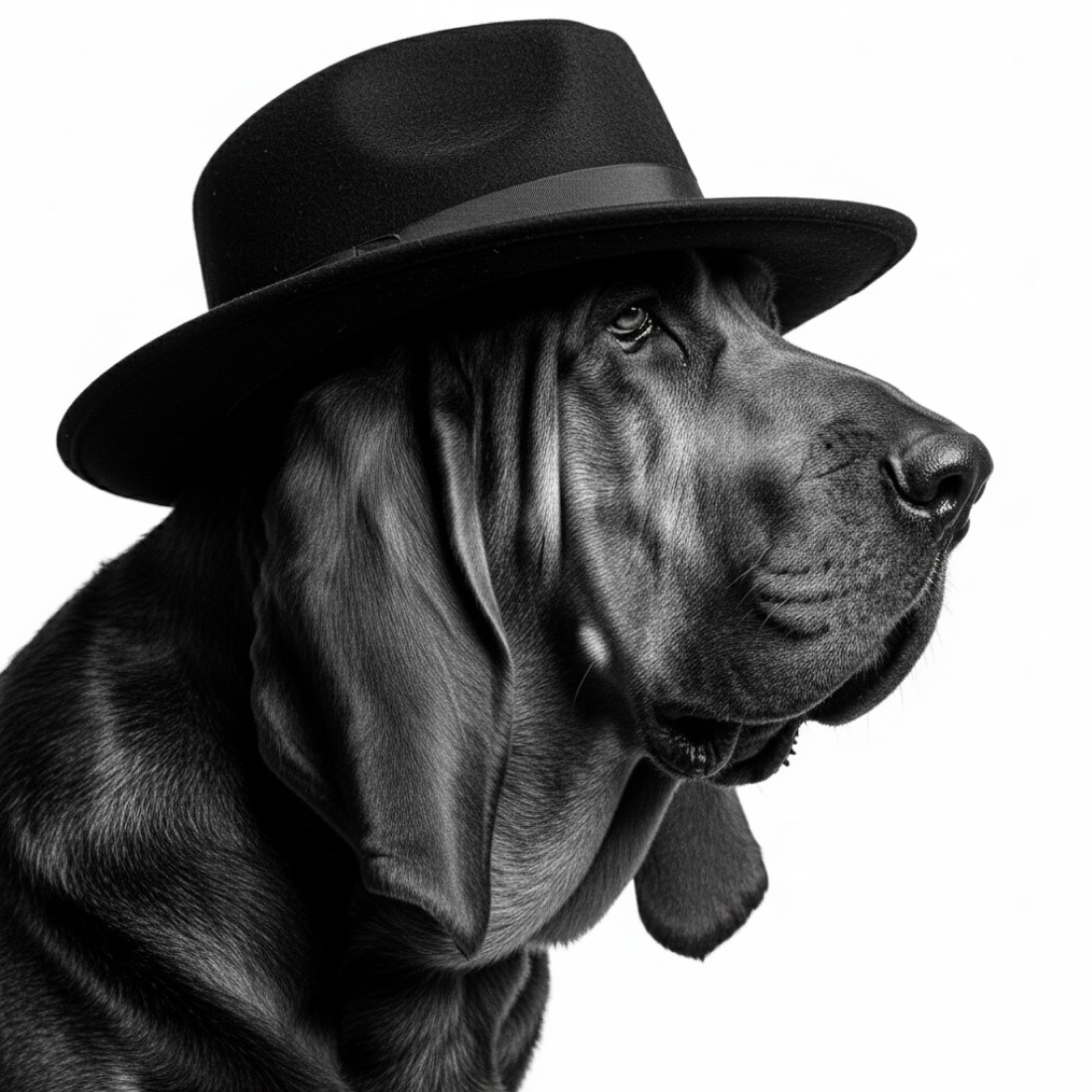
If you've ever wanted to see your beloved canine companion transformed into a Pixar-inspired character, you're not alone. The distinctive animated style of Pixar films - with their expressive eyes, exaggerated features, and heartwarming character design - has captured pet owners' imaginations worldwide. Thanks to AI image generators like Midjourney, Google Nano Banana, ChatGPT, and Google Gemini, creating Pixar-style portraits of your dog is now possible with the right prompts.
In this comprehensive guide, we'll share the most effective AI prompts to transform ordinary dog photos into stunning Pixar-inspired artwork that captures your pet's unique personality and charm.
Why Pixar-Style Dog Portraits Are So Popular
Pixar's animation style is instantly recognizable for its combination of realism and stylized characteristics. When applied to dogs, this style emphasizes their most endearing features - especially those expressive eyes that seem to communicate exactly what they're thinking. This style works particularly well for dogs because:
It enhances their natural expressiveness
It captures personality traits that owners recognize immediately
The slightly exaggerated features highlight what makes each dog unique
The polished, professional look creates frame-worthy portraits
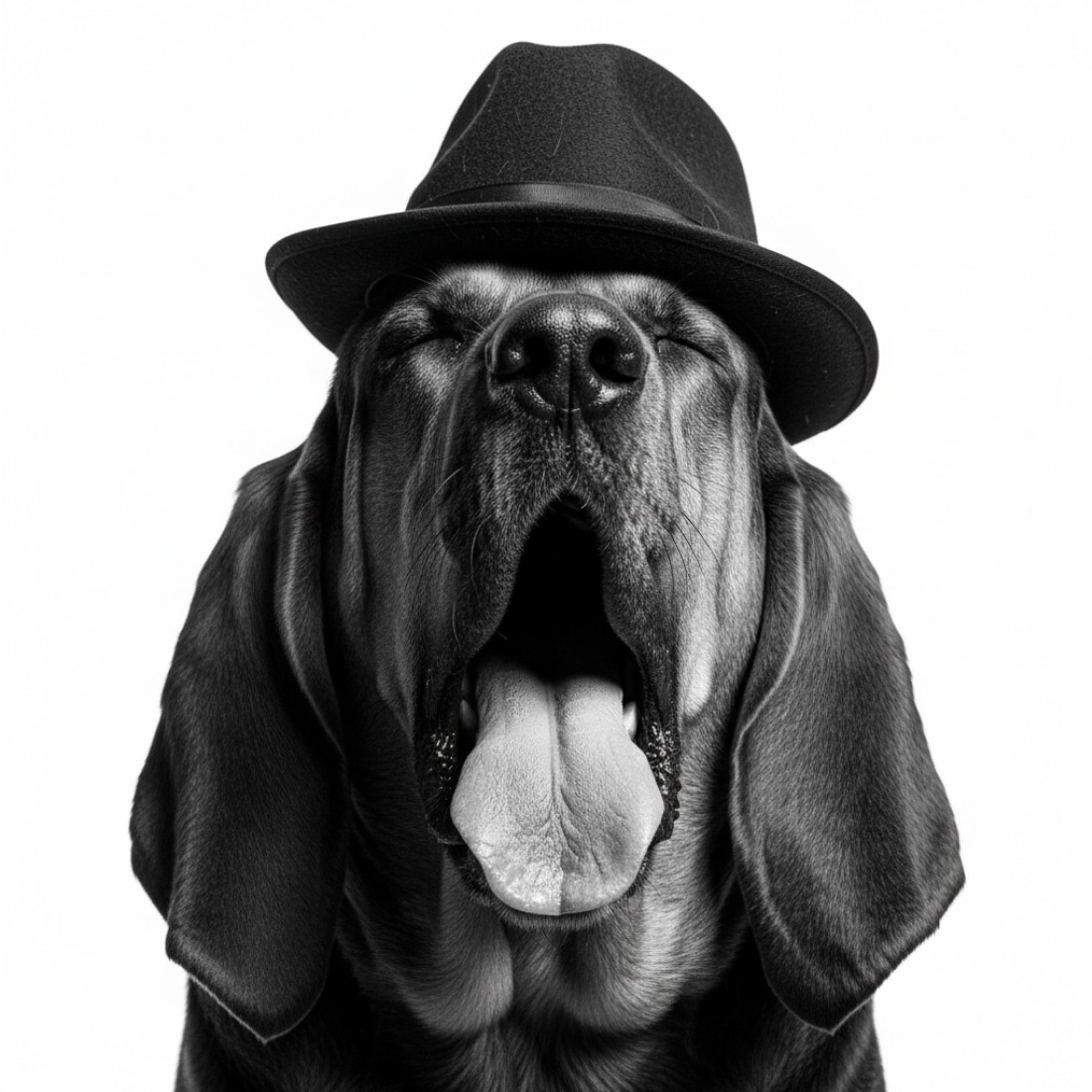
Essential Elements for Pixar-Style Dog Portraits
To successfully create a Pixar-style dog portrait, your AI prompts should incorporate these key elements:
Large, expressive eyes with detailed reflections
Exaggerated facial expressions that convey emotion
Smooth, slightly stylized textures for fur
Vibrant, colorful lighting with professional 3D rendering
Slightly enlarged head-to-body proportions
Clean, polished finish with attention to detail
Top AI Prompts for Pixar-Style Dog Portraits
For Midjourney
[reference image], Pixar style 3D rendering of a dog, large expressive eyes with catchlights, slightly exaggerated features, smooth stylized fur texture, vibrant studio lighting, heartwarming expression, professional animation quality, 32k ultra detailed, --ar 4:5
[reference image], Pixar style 3D rendering of a dog, large expressive eyes with catchlights, slightly exaggerated features, smooth stylized fur texture, vibrant studio lighting, heartwarming expression, professional animation quality, 32k ultra detailed, --ar 4:5
[reference image], Pixar style 3D rendering of a dog, large expressive eyes with catchlights, slightly exaggerated features, smooth stylized fur texture, vibrant studio lighting, heartwarming expression, professional animation quality, 32k ultra detailed, --ar 4:5
[reference image], Pixar animation style dog portrait, adorable character design, expressive face, detailed eyes with reflections, soft rounded features, playful pose, clean 3D rendering, studio lighting, cinematic quality, --ar 1:1
[reference image], Pixar animation style dog portrait, adorable character design, expressive face, detailed eyes with reflections, soft rounded features, playful pose, clean 3D rendering, studio lighting, cinematic quality, --ar 1:1
[reference image], Pixar animation style dog portrait, adorable character design, expressive face, detailed eyes with reflections, soft rounded features, playful pose, clean 3D rendering, studio lighting, cinematic quality, --ar 1:1
For Google Nano Banana
[reference image], Pixar-inspired 3D dog character, professional animation quality, expressive face with detailed eyes, studio lighting, detailed fur rendering, slightly stylized proportions, clean background, high-detail textures, cinematic look
[reference image], Pixar-inspired 3D dog character, professional animation quality, expressive face with detailed eyes, studio lighting, detailed fur rendering, slightly stylized proportions, clean background, high-detail textures, cinematic look
[reference image], Pixar-inspired 3D dog character, professional animation quality, expressive face with detailed eyes, studio lighting, detailed fur rendering, slightly stylized proportions, clean background, high-detail textures, cinematic look
[reference image], dog as Pixar movie protagonist, detailed 3D character design, expressive large eyes with reflections, slightly exaggerated facial features, professional animation quality, soft colorful lighting, ultra-detailed fur texture, heartwarming expression
[reference image], dog as Pixar movie protagonist, detailed 3D character design, expressive large eyes with reflections, slightly exaggerated facial features, professional animation quality, soft colorful lighting, ultra-detailed fur texture, heartwarming expression
[reference image], dog as Pixar movie protagonist, detailed 3D character design, expressive large eyes with reflections, slightly exaggerated facial features, professional animation quality, soft colorful lighting, ultra-detailed fur texture, heartwarming expression
For Google Gemini
[reference image], Pixar animation style dog portrait, vibrant 3D rendering, exaggerated expressive eyes with reflections, smooth stylized fur textures, colorful studio lighting, slightly cartoonish proportions, professional character design, cinematic quality
[reference image], Pixar animation style dog portrait, vibrant 3D rendering, exaggerated expressive eyes with reflections, smooth stylized fur textures, colorful studio lighting, slightly cartoonish proportions, professional character design, cinematic quality
[reference image], Pixar animation style dog portrait, vibrant 3D rendering, exaggerated expressive eyes with reflections, smooth stylized fur textures, colorful studio lighting, slightly cartoonish proportions, professional character design, cinematic quality
[reference image], dog character in Pixar animation style, adorable expressive design, large emotive eyes, detailed fur textures with highlights, soft rounded features, clean professional 3D rendering, joyful expression, polished animation look
[reference image], dog character in Pixar animation style, adorable expressive design, large emotive eyes, detailed fur textures with highlights, soft rounded features, clean professional 3D rendering, joyful expression, polished animation look
[reference image], dog character in Pixar animation style, adorable expressive design, large emotive eyes, detailed fur textures with highlights, soft rounded features, clean professional 3D rendering, joyful expression, polished animation look
For ChatGPT
[reference image], create a Pixar-style 3D rendering of this dog with large expressive eyes containing detailed reflections, slightly exaggerated facial features that enhance character, smooth stylized fur texture with proper highlights, vibrant studio lighting, professional animation quality with clean background
[reference image], create a Pixar-style 3D rendering of this dog with large expressive eyes containing detailed reflections, slightly exaggerated facial features that enhance character, smooth stylized fur texture with proper highlights, vibrant studio lighting, professional animation quality with clean background
[reference image], create a Pixar-style 3D rendering of this dog with large expressive eyes containing detailed reflections, slightly exaggerated facial features that enhance character, smooth stylized fur texture with proper highlights, vibrant studio lighting, professional animation quality with clean background
[reference image], transform this dog photo into a Pixar animation character with heartwarming expression, detailed 3D rendering of fur, emphasis on expressive eyes with catchlights, slightly stylized proportions, professional character design quality, soft colorful lighting to enhance mood
[reference image], transform this dog photo into a Pixar animation character with heartwarming expression, detailed 3D rendering of fur, emphasis on expressive eyes with catchlights, slightly stylized proportions, professional character design quality, soft colorful lighting to enhance mood
[reference image], transform this dog photo into a Pixar animation character with heartwarming expression, detailed 3D rendering of fur, emphasis on expressive eyes with catchlights, slightly stylized proportions, professional character design quality, soft colorful lighting to enhance mood
Tips for Better Results
Choose the right reference photo: Select a clear, well-lit photo that captures your dog's face and expression.
Specify your dog's breed: Including your dog's specific breed in the prompt helps the AI understand key characteristics.
Describe your dog's personality: Adding personality traits like "playful," "dignified," or "mischievous" helps guide the emotional tone.
Experiment with different poses: Try prompts that specify different head tilts, ear positions, or body language.
Adjust stylization level: You can request "more stylized" or "more realistic" to find the perfect balance for your pet.
Frequently Asked Questions
Can I create Pixar-style portraits of multiple dogs together?
Yes, but results tend to be better when you specify the positioning of each dog, like "two dogs side by side" or "small dog in foreground with larger dog behind."
Will these prompts work for puppies too?
Absolutely! For puppies, consider adding "extra large eyes," "rounder features," and "puppy-like proportions" to enhance the cuteness factor.
How can I get more consistent results with these prompts?
Try running the same prompt 3-5 times and picking the best result. AI image generation has some randomness, so multiple attempts often yield better options.
Can I add accessories like collars or bandanas?
Yes, simply add details like "wearing a red collar" or "with a blue bandana" to your prompt.
Which AI tool creates the best Pixar-style dog portraits?
Midjourney and Google Nano Banana currently produce the most consistent Pixar-style results, but all tools mentioned can create excellent portraits with the right prompts.
Creating Different Emotions with Your Pixar Dog
Want to capture different moods? Try these prompt additions:
For a happy, excited dog: "joyful expression, tongue slightly out, alert ears, bright eyes"
For a calm, dignified dog: "serene expression, relaxed posture, wise gentle eyes"
For a playful, mischievous dog: "playful smirk, head slightly tilted, eyes with gleam of mischief"
For a curious dog: "head tilted, perked ears, wide inquisitive eyes, attentive expression"
Conclusion
Creating Pixar-style portraits of your dog is a wonderful way to celebrate your furry friend's unique personality and create memorable artwork you'll treasure for years. With these optimized prompts, you can create stunning animated-style portraits that capture what makes your dog special.
Remember that AI generation often requires some experimentation, so don't hesitate to try different variations of these prompts until you get a result that perfectly captures your dog's character in that distinctive Pixar style.
Want to try other pet portrait styles? Check out our guides on professional studio pet photography prompts or pet portraits with clothing for more creative ways to showcase your furry friend through AI art.