Guide

Exclusive guide for Lucy+ Members

Welcome to the guide to create realistic professional social feed images of yourself

Recommended: Google Whisk

Highest quality results, generates two images per prompt, completely free, and offers the most creative freedom with multiple aspect ratio options
1

Access Whisk

Access Whisk

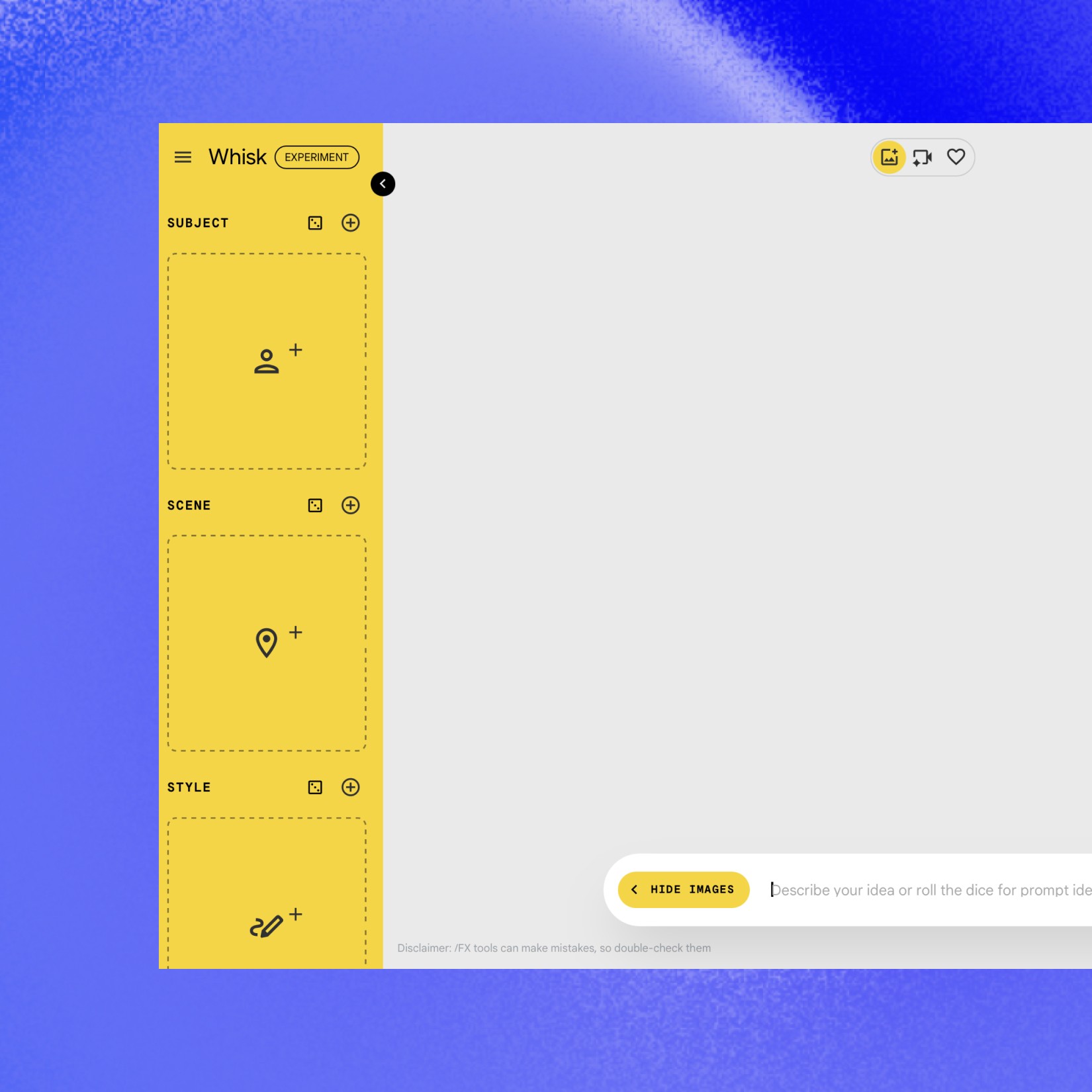
Go to: labs.google/fx/tools/whisk
Open Whisk

2

Upload image of yourself

Upload image of yourself

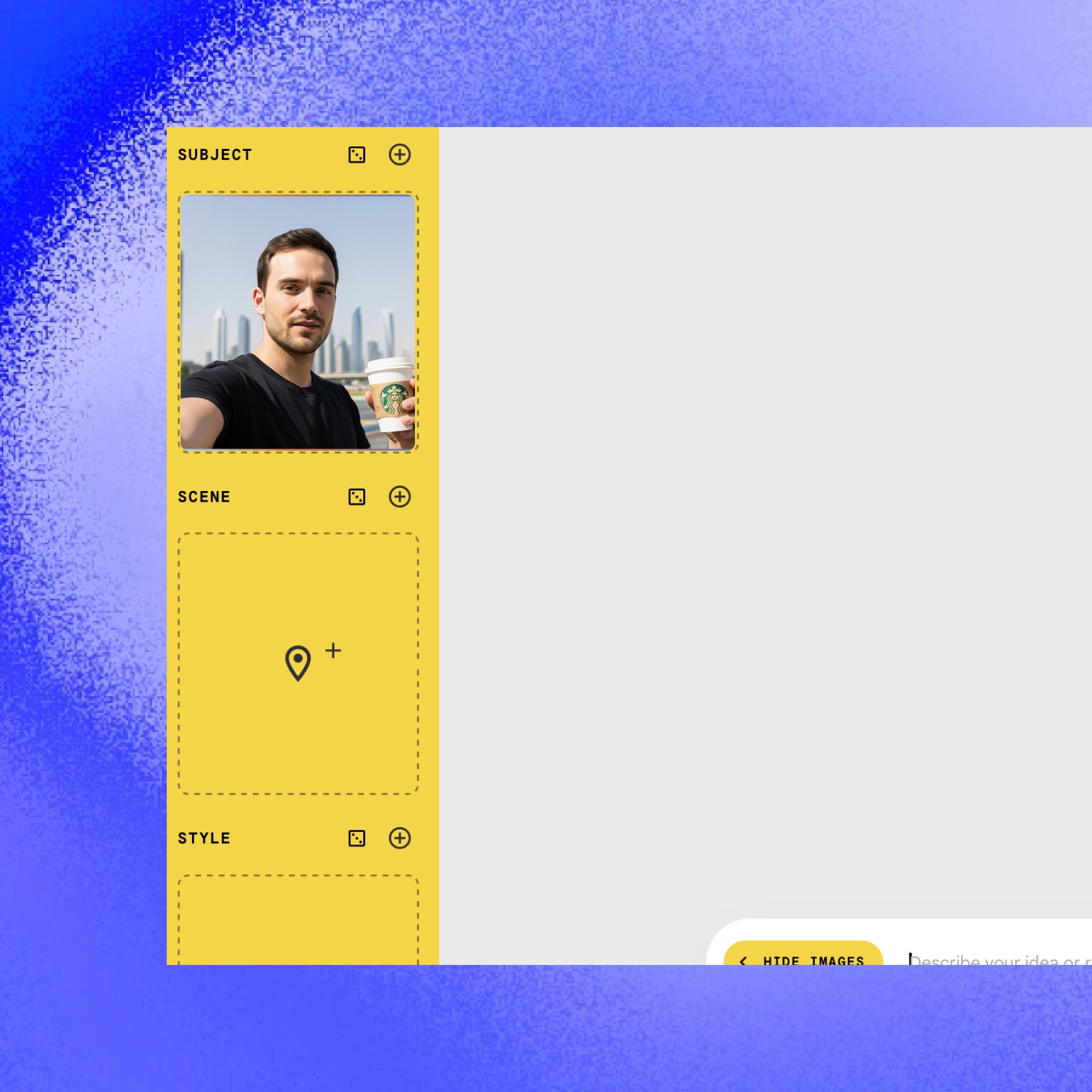
In the left yellow bar under SUBJECT, upload 1-3 images of yourself.

For full-body image prompts, include at least one image showing both your face and body (e.g., standing up.
3

Paste Lucy+ prompt

Paste Lucy+ prompt

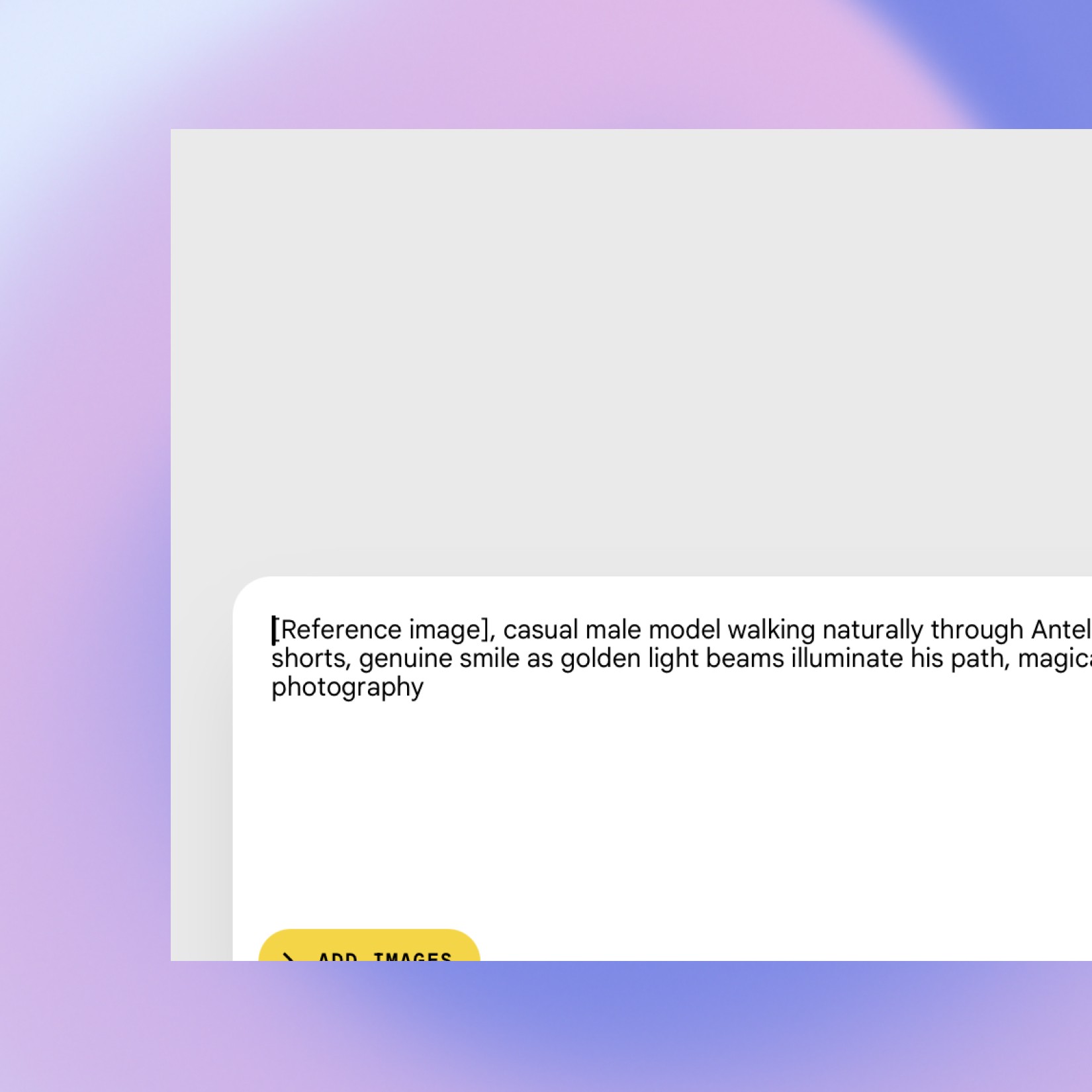
Paste the prompt from Lucy+ directly into the prompt field and click the generate button.

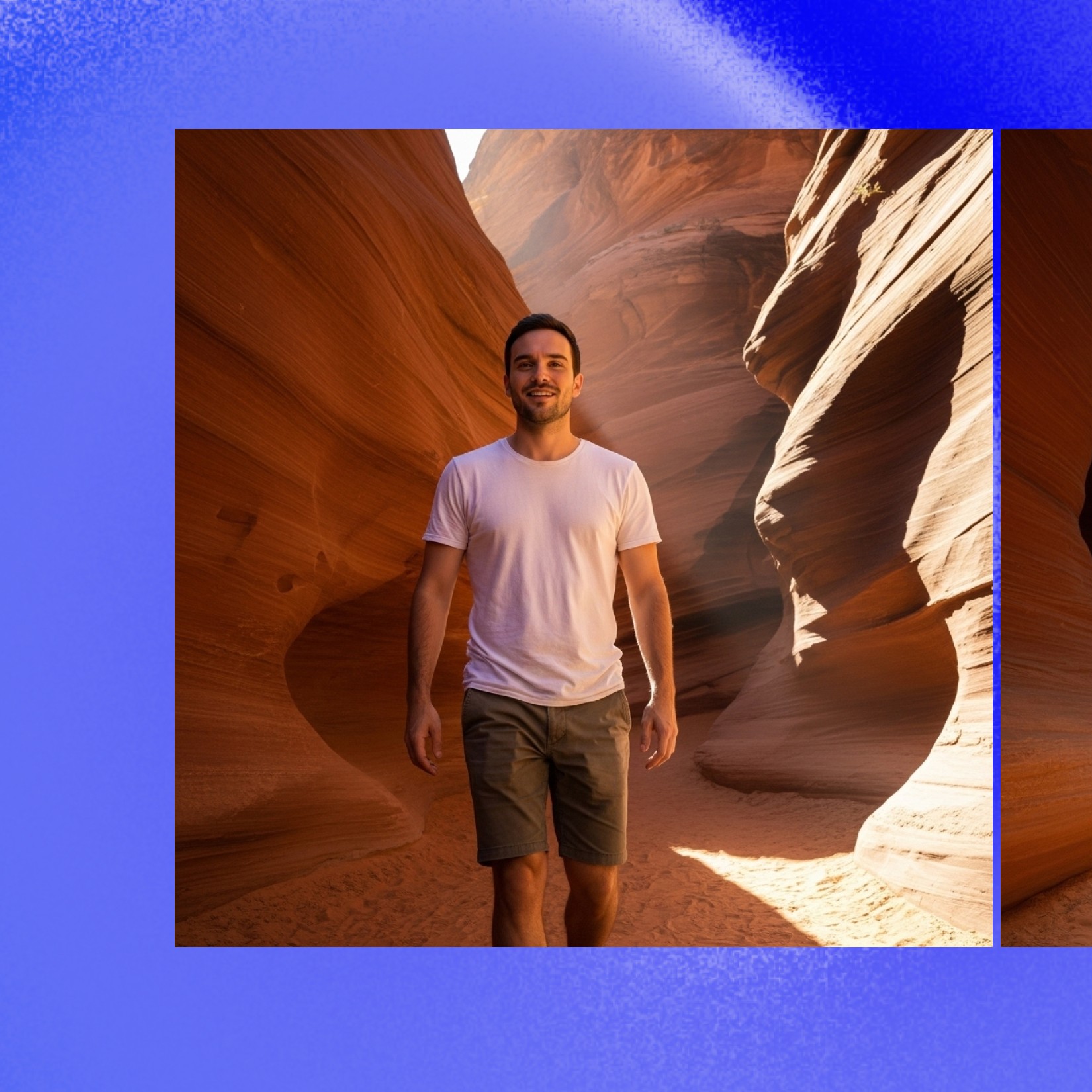
You can modify details like clothing or settings if desired, but the prompt is ready to use as-is. Click the Generate button
4

✓ Review and download

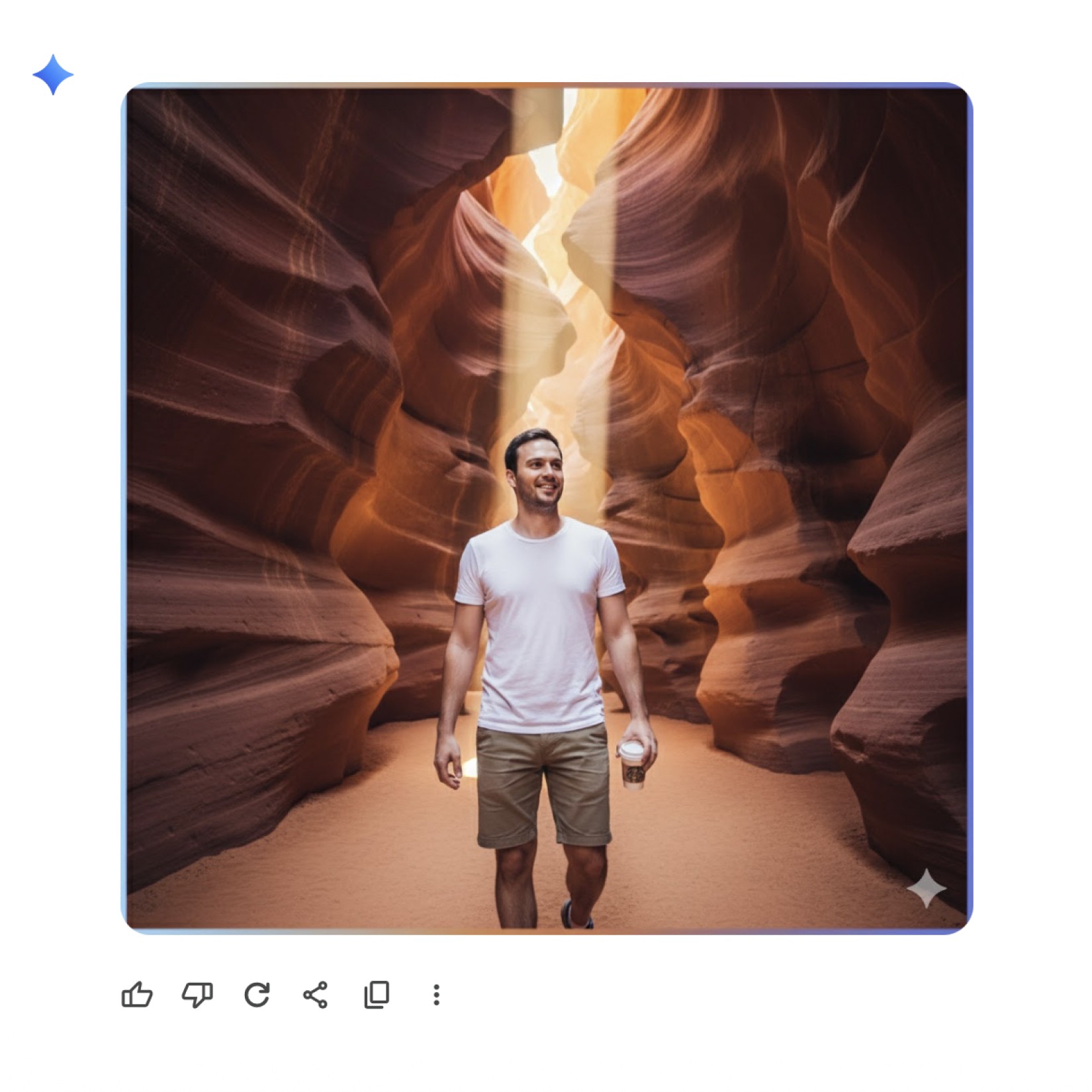
You'll receive two generated images. If you're not 100% satisfied, run the generation again

Repeat until you get the perfect result. Try different prompts for various styles and settings

Alternative tool: Google Gemini

Alternative: Google Gemini

Works on both desktop and mobile app, quality is almost as good as Whisk, but images include a Gemini watermark in the right corner
1

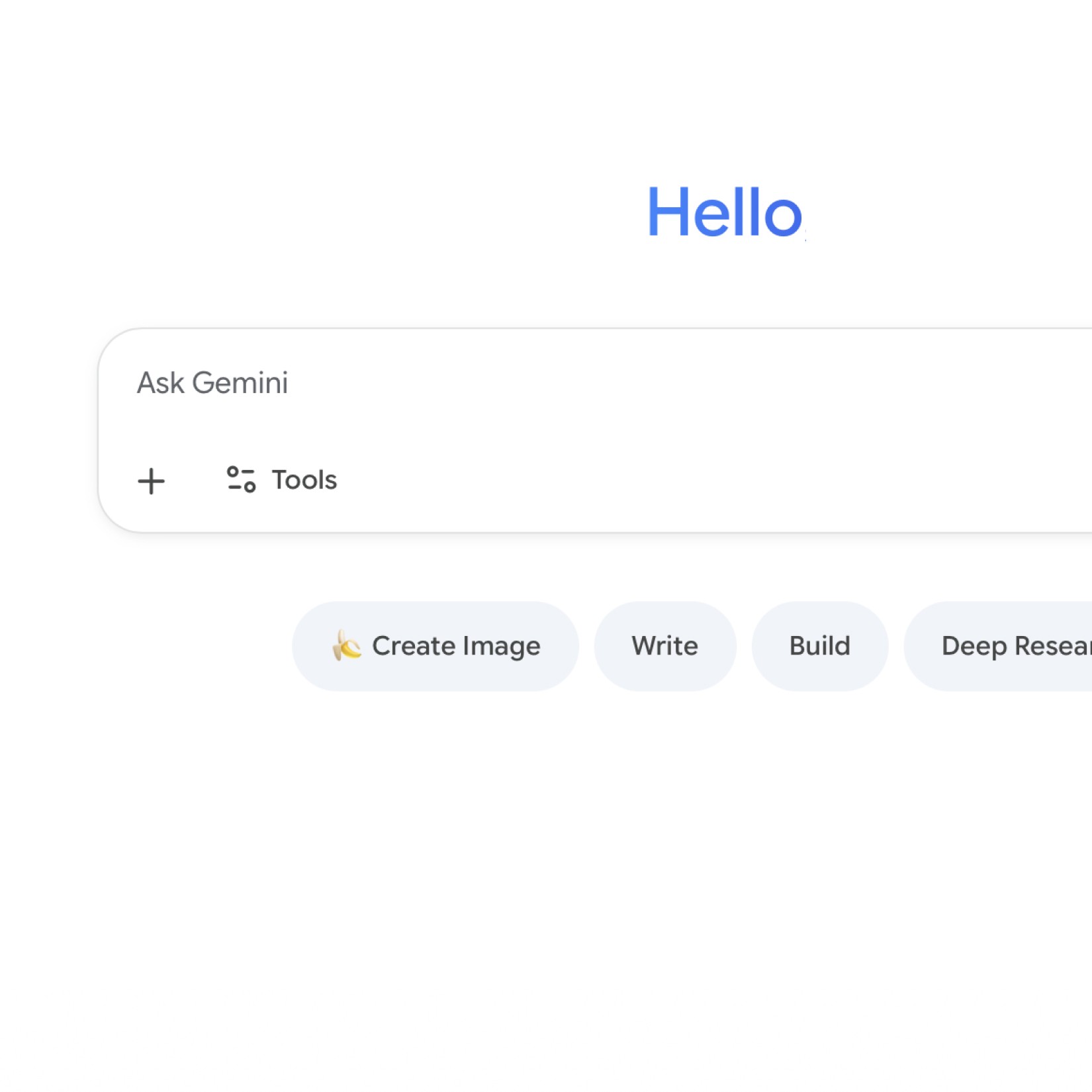
Access Gemini

Open the Gemini mobile app or go to gemini.google.com
Open Gemini

2

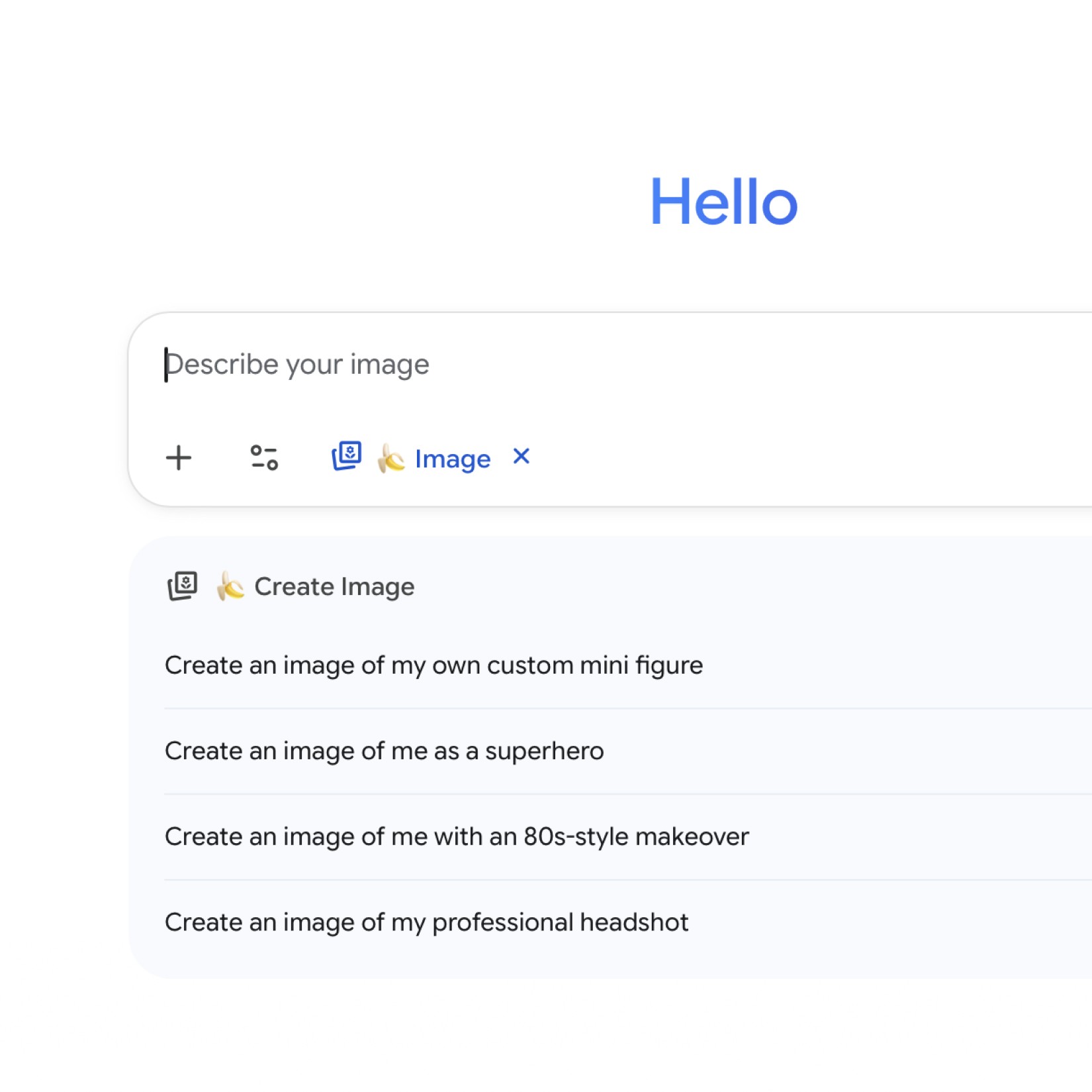
Start new chat

Begin a new conversation in the Gemini interface and click on the banana button "Create Image"
3

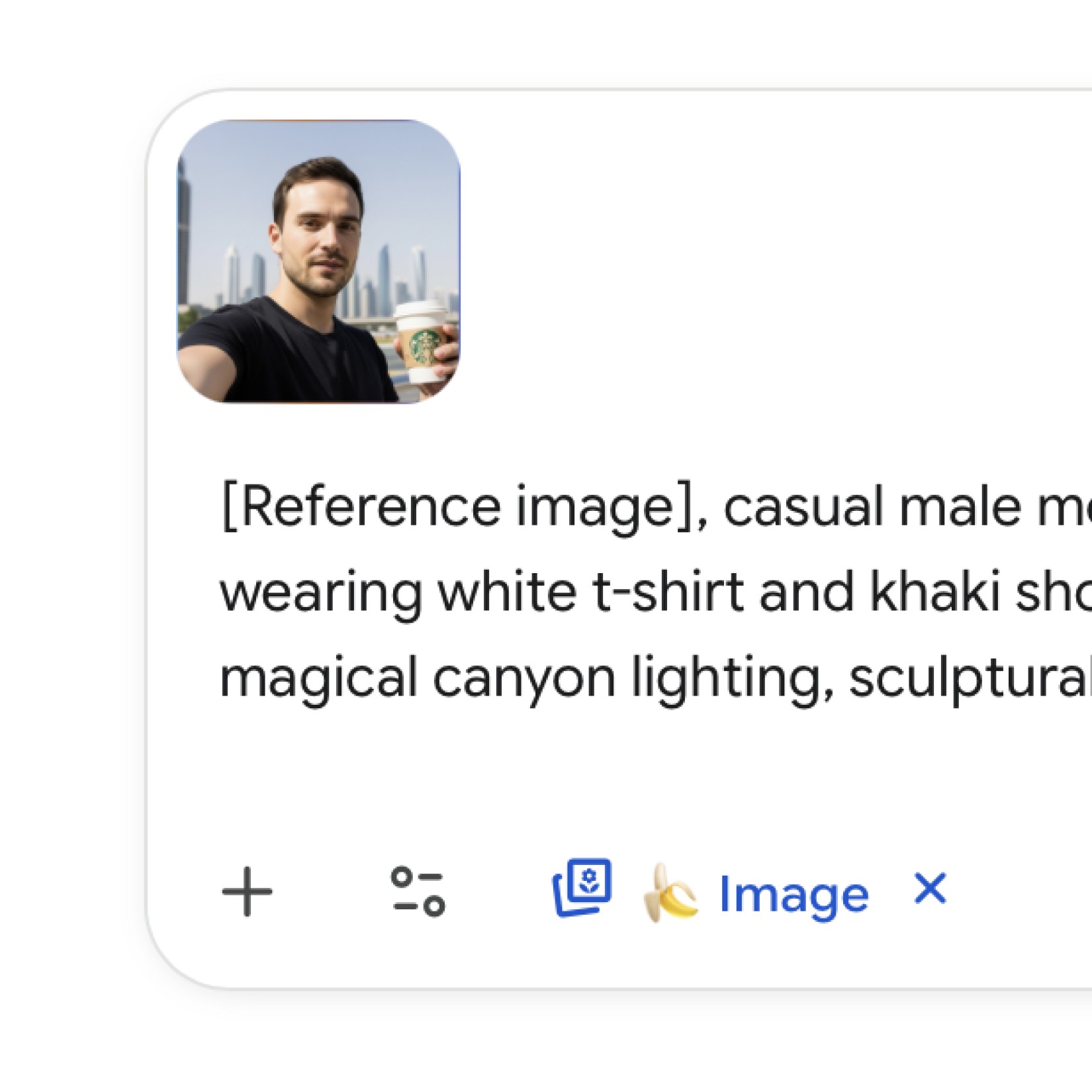
Paste Lucy+ prompt and upload your reference image

Upload 1 or more images of yourself directly in the chat

Add your Lucy+ prompt in the same message

Click generate.

4

Review

You'll receive two generated images. If you're not 100% satisfied, run the generation again

Repeat until you get the perfect result. Try different prompts for various styles and settings

Pro Tips

✓ Use multiple reference images when possible for better identity consistency
✓ Natural lighting in your reference photos helps create more realistic results
✓ Aspect ratio - 1:1 (square) works well for most purposes
✓ Try variations of the same prompt for more options
✓ Experiment with different expressions in your reference photos